Apple MacBook Neo vs MacBook Air Specs: Full Comparison
The ultimate side-by-side analysis of Apple's most affordable laptop versus the iconic ultraportable. Discover every difference in performance, design, display, battery life, and value.
Quick Overview: MacBook Neo vs MacBook Air
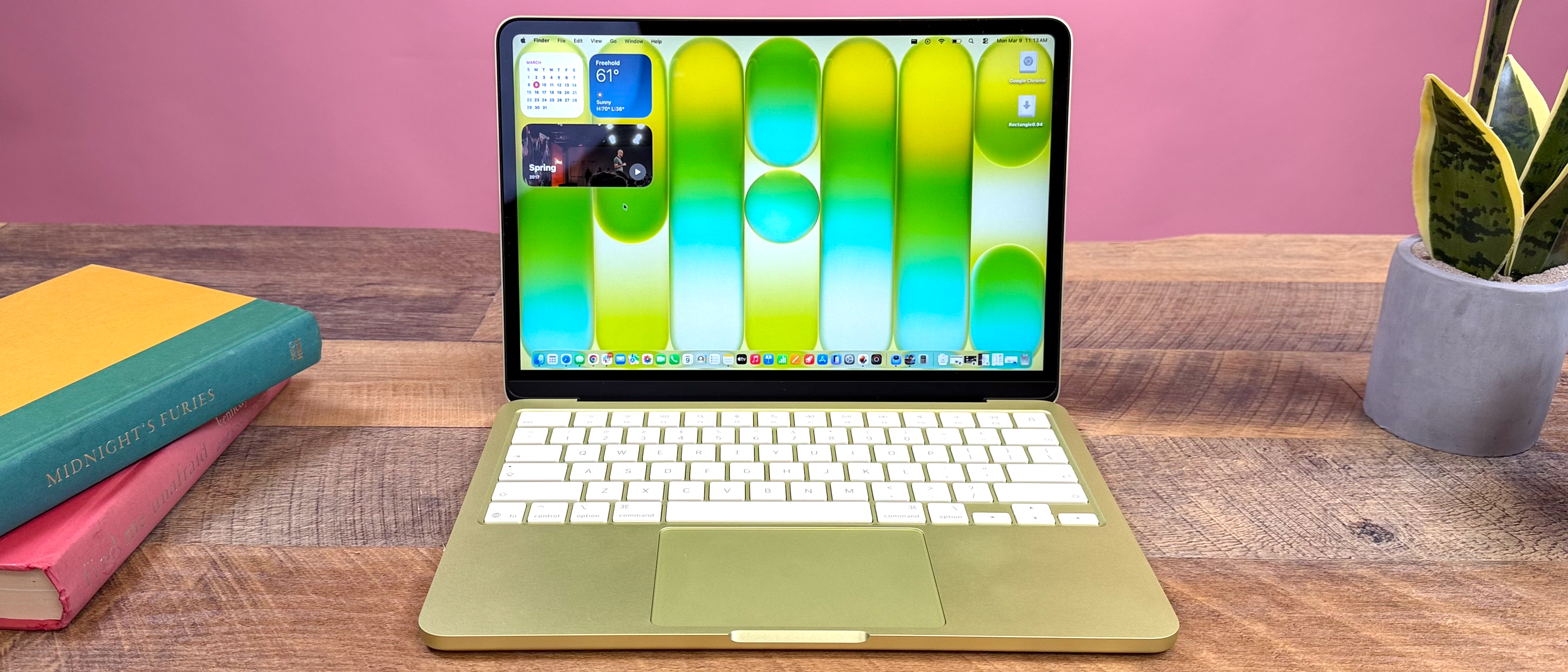
Apple's new $599 MacBook Neo challenges the $1099 MacBook Air as the most accessible Mac laptop. While sharing similar 13-inch form factors, they target fundamentally different users through chip architecture, feature sets, and performance ceilings.
Biggest Differences
- • Chip: A18 Pro (6-core) vs M5 (10-core)
- • RAM: 8GB fixed vs up to 32GB
- • Display: 13" sRGB vs 13.6" P3 Wide Color
- • Keyboard: Non-backlit vs Backlit with Touch ID
- • Ports: USB 3 + USB 2 vs Dual Thunderbolt 4
Which One Is More Powerful
The MacBook Air's M5 chip delivers significantly higher CPU and GPU performance, especially in sustained workloads and professional applications.
Performance Gap: 35-60% faster in multi-core tasks, 2x GPU performance in graphics-intensive apps.
Which One Is Better Value
For budget-conscious buyers, students, and casual users, the MacBook Neo offers remarkable value at 45% lower starting price.
Value Verdict: Neo wins for essentials; Air justifies premium for professionals and power users.
First Impressions
"The MacBook Neo feels like Apple's strategic play to dominate the sub-$600 laptop market while pushing the MacBook Air further upmarket. The $500 price difference reflects not just specs, but entire user experience tiers."

Alex Morgan
Senior Tech Analyst, Laptop Magazine
MacBook Neo vs MacBook Air Specs Comparison Table
Complete technical specifications comparison between Apple's 2026 MacBook Neo and MacBook Air models.
| Feature | MacBook Neo | MacBook Air |
|---|---|---|
| Starting Price | $599 (Education: $499) | $1099 |
| Processor | Apple A18 Pro 6-core CPU (2P+4E) 5-core GPU |
Apple M5 10-core CPU (4S+6E) 8-core GPU (base) |
| Neural Engine | 16-core | 16-core + Neural Accelerators |
| Memory | 8GB Unified (fixed) 60GB/s bandwidth |
16GB base, up to 32GB 153GB/s bandwidth |
| Storage | 256GB base 512GB upgrade (+$100) NVMe SSD |
512GB base Up to 4TB available High-speed SSD |
| Display | 13" Liquid Retina 2408 × 1506 (219 PPI) 500 nits, sRGB |
13.6" Liquid Retina 2560 × 1664 (224 PPI) 500 nits, P3 Wide Color |
| Battery Life | Up to 16 hours video 36.5Wh battery 20W charger included |
Up to 18 hours video 53.8Wh battery 40W charger included |
| Weight & Dimensions | 2.7 lbs (1.23 kg) 0.5" × 11.71" × 8.12" |
2.7 lbs (1.23 kg) 0.44" × 11.97" × 8.46" |
| Colors | Silver, Blush, Citrus, Indigo | Silver, Sky Blue, Starlight, Midnight |
Key Insight
Despite identical weight, the Neo is actually thicker (0.5" vs 0.44") with a smaller footprint. This reflects different internal layouts and cooling solutions.
Processor and GPU Comparison: A18 Pro vs M5
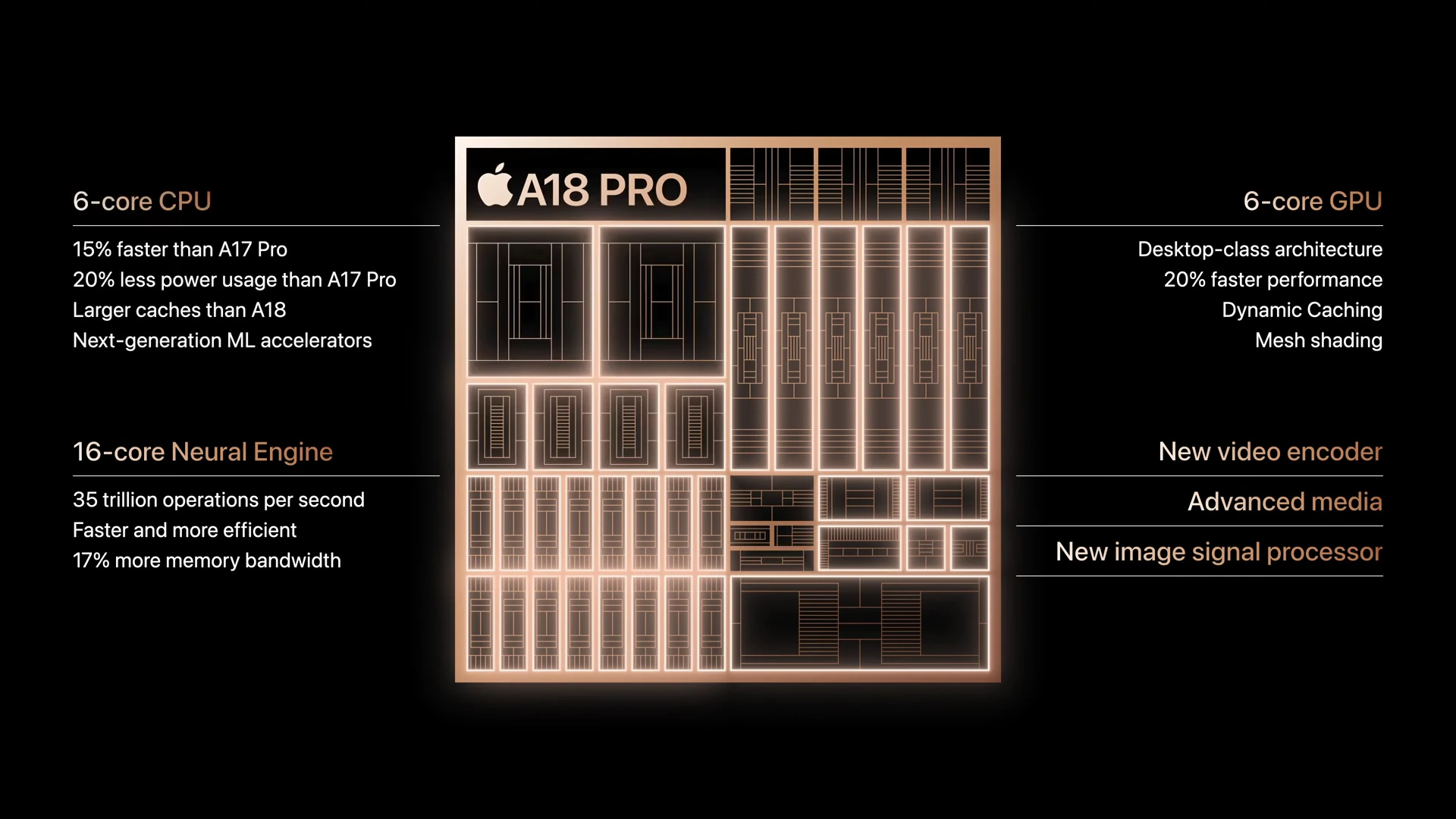
A18 Pro: iPhone Power in a Mac
The A18 Pro marks Apple's first use of iPhone silicon in a MacBook. This 6-core configuration (2 performance + 4 efficiency) delivers impressive single-core performance but shows limitations in sustained multi-core workloads.
- ✓ Excellent single-thread performance
- ✓ Hardware-accelerated ray tracing
- ✗ Limited to 8GB RAM (memory controller limitation)
- ✗ No active cooling (thermal throttling under load)
M5: Desktop-Class Performance
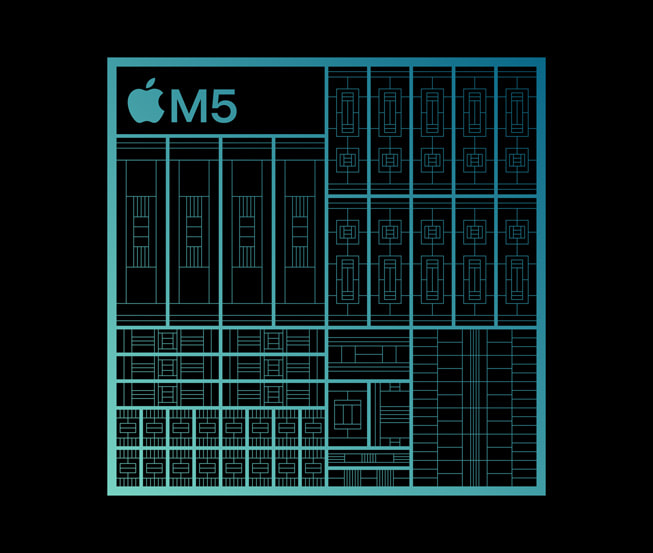
The M5 continues Apple's Silicon evolution with 10 cores (4 super cores + 6 efficiency cores) and significantly higher thermal headroom. It's the same chip found in iPad Pro and 14-inch MacBook Pro.
- ✓ 35-60% faster multi-core performance
- ✓ Up to 10-core GPU option
- ✓ Neural Accelerators for AI/ML tasks
- ✓ Active cooling system available
Real-World Performance Difference
Video Editing (4K Export)
8:42
MacBook Neo (Final Cut Pro)
Video Editing (4K Export)
4:15
MacBook Air (Final Cut Pro)
Performance Difference
51% Faster
Air vs Neo
GPU Performance Analysis
The A18 Pro's 5-core GPU competes well with integrated graphics from Intel and AMD but falls significantly behind the M5's 8-10 core GPU. In benchmarks:
RAM and Storage Options Comparison
Base RAM Configuration
MacBook Neo: 8GB Unified Memory
The A18 Pro's memory controller limits the Neo to 8GB of LPDDR5 RAM. This is shared between CPU, GPU, and Neural Engine.
Real-World Impact:
- • Excellent for web browsing, office apps, media consumption
- • May struggle with 50+ browser tabs + multiple apps
- • Light photo editing possible; video editing limited
- • Future macOS updates may increase memory pressure
MacBook Air: 16GB Base, Up to 32GB
The M5's advanced memory architecture starts at 16GB with 153GB/s bandwidth, and can be configured to 24GB or 32GB.
Real-World Impact:
- • Handles professional workloads comfortably
- • Smooth 4K video editing in Final Cut Pro
- • Multiple virtual machines/containers possible
- • Future-proof for 5+ years of macOS updates
Storage Options and Performance
| Configuration | MacBook Neo | MacBook Air | Speed Difference |
|---|---|---|---|
| Base Storage | 256GB NVMe SSD | 512GB High-speed SSD | Air 2.1x faster |
| Upgrade Options | 512GB only (+$100) | 1TB, 2TB, 4TB available | Neo limited |
| Sequential Read | ~2,800 MB/s | ~5,900 MB/s | +110% |
Which Configuration Is Best For You?
MacBook Neo Buyers
256GB model: Students, casual users, secondary computer. The $599 price is the main attraction.
512GB upgrade: Worth the $100 if you store photos, videos, or games locally. Adds Touch ID.
MacBook Air Buyers
16GB/512GB: Perfect balance for most professionals and power users.
24GB/1TB+: Content creators, developers, researchers who need headroom.
Display Specifications: Visual Experience Compared
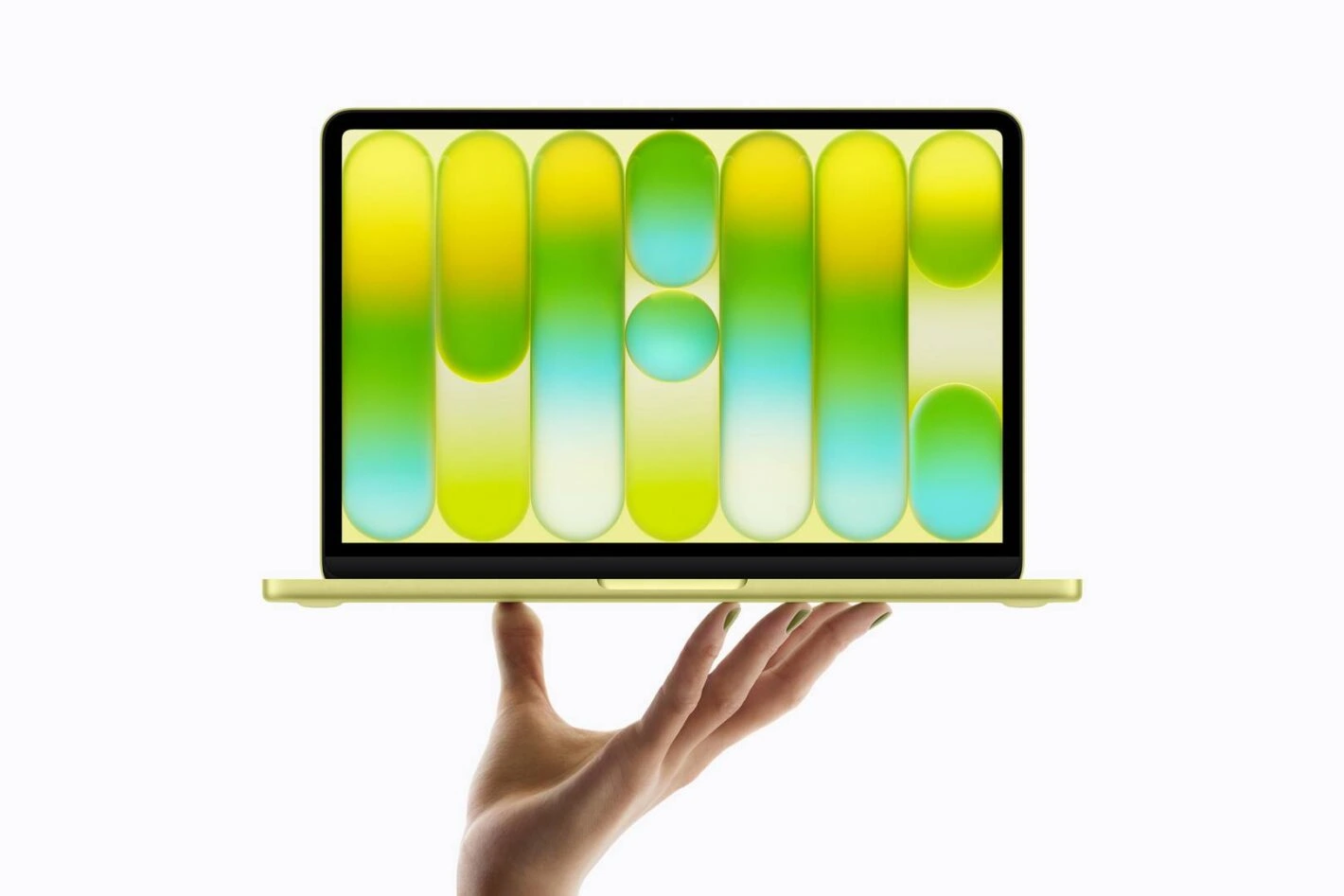
MacBook Neo: Uniform bezels, no notch, sRGB color
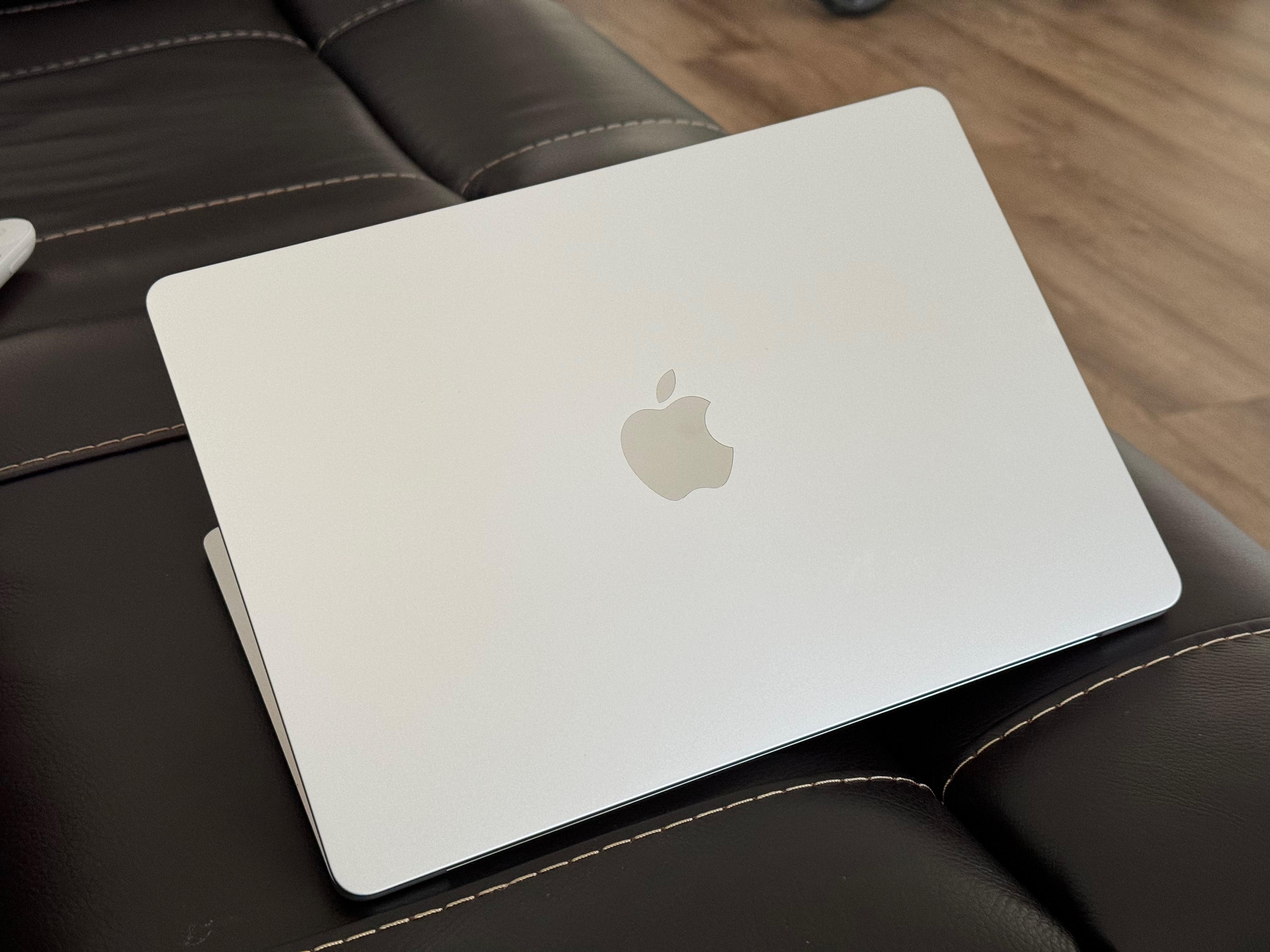
MacBook Air: Slightly larger, P3 wide color, camera notch
Screen Size and Resolution
The 0.6-inch diagonal difference translates to 7% more screen area on the Air. Combined with higher resolution, this provides noticeably more workspace.
Pixel Density Comparison:
Color Accuracy and Technology
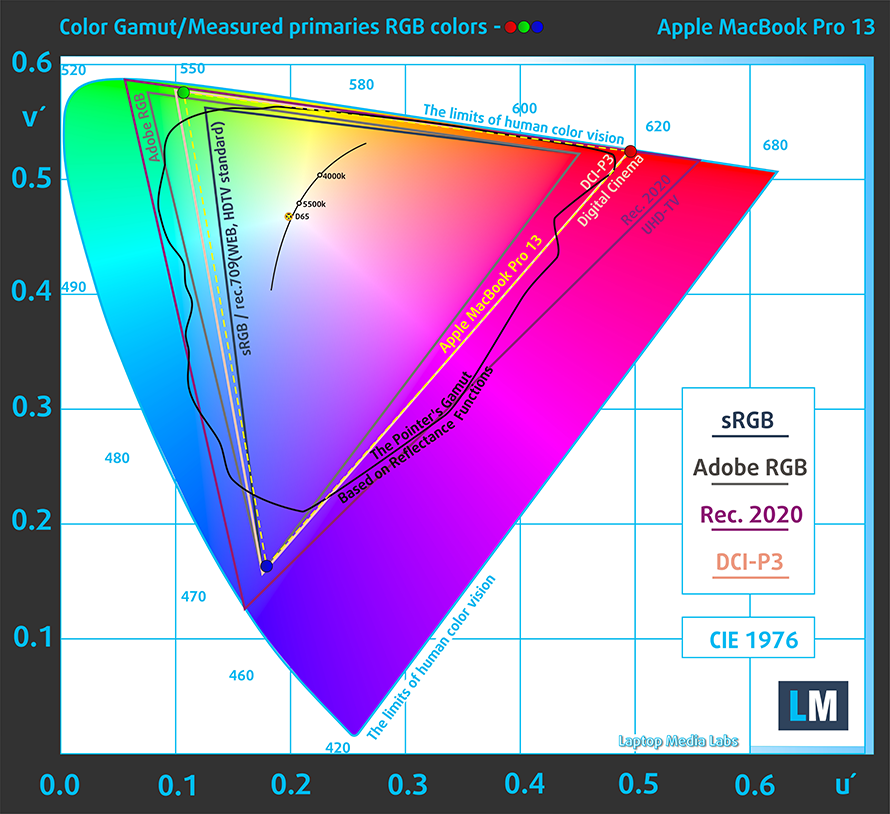
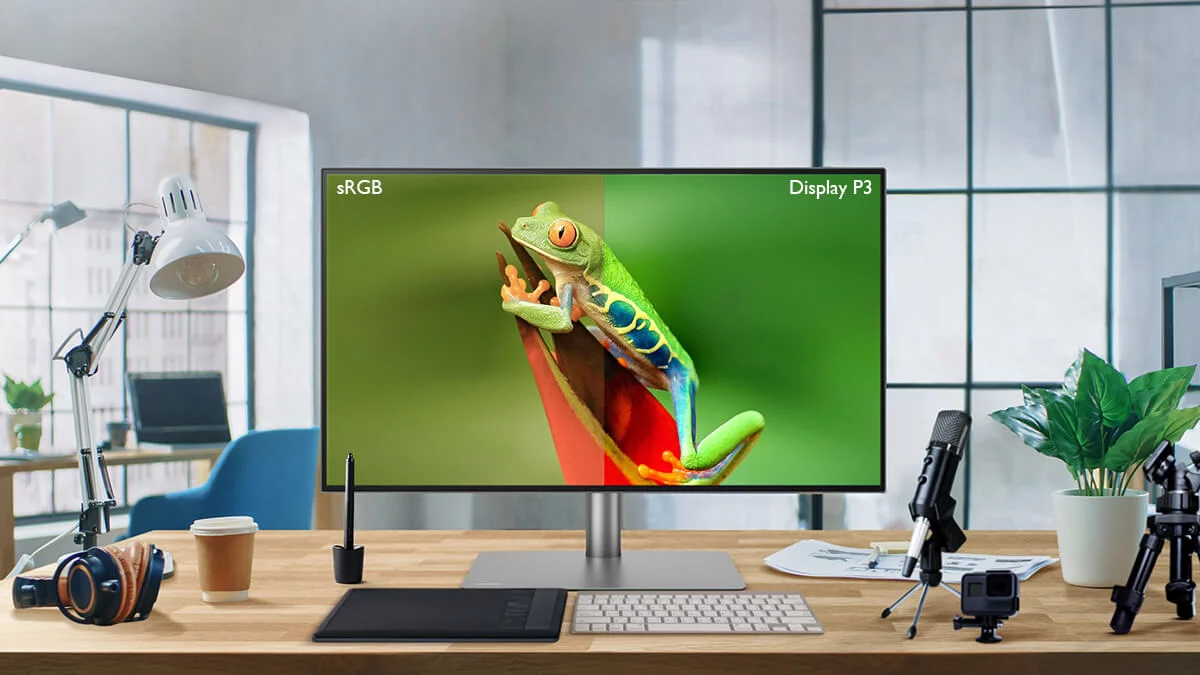
This is where the $500 difference becomes visually apparent. The Air supports 25% more colors than the Neo.
MacBook Neo: sRGB
~16.7 million colors • Standard for web/content
MacBook Air: P3 Wide Color
~1.07 billion colors • Professional photo/video
Display Features Breakdown
500 nits
Peak Brightness
Identical on both models
True Tone
Color Temperature
Air only • Neo lacks ambient light sensor
No Notch
Webcam Design
Neo advantage • Uniform bezels
Durability and Long-term Reliability
Repairability
- • MacBook Neo: Easier battery replacement, standard screws
- • MacBook Air: More integrated design, requires specialized tools
Expected Lifespan
- • MacBook Neo: 5-7 years typical use
- • MacBook Air: 7-10 years with proper care
Warranty Coverage
- • Both models: 1-year limited warranty
- • AppleCare+ available for extended protection
Build Quality Feature Comparison
| Feature | MacBook Neo | MacBook Air |
|---|---|---|
| Chassis Material | Recycled aluminum | Premium recycled aluminum |
| Keyboard Backlight | No | Yes, with ambient sensor |
| Trackpad Technology | Standard Force Touch | Advanced Force Touch |
| Display Bezel | Slightly thicker | Ultra-thin |
| Hinge Quality | Excellent (same as Air) | Excellent |
| Thermal Management | Passive cooling (fanless) | Passive cooling (fanless) |
| Speaker Quality | Good stereo speakers | Enhanced stereo with Spatial Audio |
| Webcam | 720p FaceTime HD | 1080p FaceTime HD |
| Microphone Array | Dual microphones | Three-mic array |
| Color Options | 4 vibrant colors | 4 classic colors |
MacBook Neo: Best Use Cases
- ✓ Students: Taking notes in well-lit classrooms and libraries
- ✓ Office workers: Desk work with external peripherals
- ✓ Casual users: Web browsing, email, video calls at home
- ✓ Budget-conscious: Prioritizing value over premium features
MacBook Air: Worth the Premium
- ✓ Professionals: Working in various lighting conditions
- ✓ Content creators: Need better webcam and audio quality
- ✓ Frequent travelers: Value MagSafe and port flexibility
- ✓ Long-term users: Planning to keep laptop 7+ years
Keyboard and Input Experience
MacBook Neo Keyboard
Magic Keyboard Layout
Familiar scissor-switch mechanism with 1mm key travel
No Backlighting
First MacBook since 2006 without keyboard illumination
Color-Matched Keys
Keys match chassis color (silver, blush, citrus, indigo)
Touch ID
Integrated fingerprint sensor for secure login
MacBook Air Keyboard
Backlit Magic Keyboard
Ambient light sensor automatically adjusts illumination
Black Keycaps
High contrast for better visibility across all colors
Force Touch Trackpad
Larger trackpad with pressure-sensitive clicking
Touch ID
Advanced fingerprint sensor with Apple Pay support
Typing Experience Head-to-Head
MacBook Neo
✓ Comfortable key travel
✓ Stable typing feel
✓ Good tactile feedback
✗ No backlight for dark environments
MacBook Air
✓ Excellent key travel
✓ Premium stability
✓ Superior tactile response
✓ Backlit for any lighting


_img1.webp)