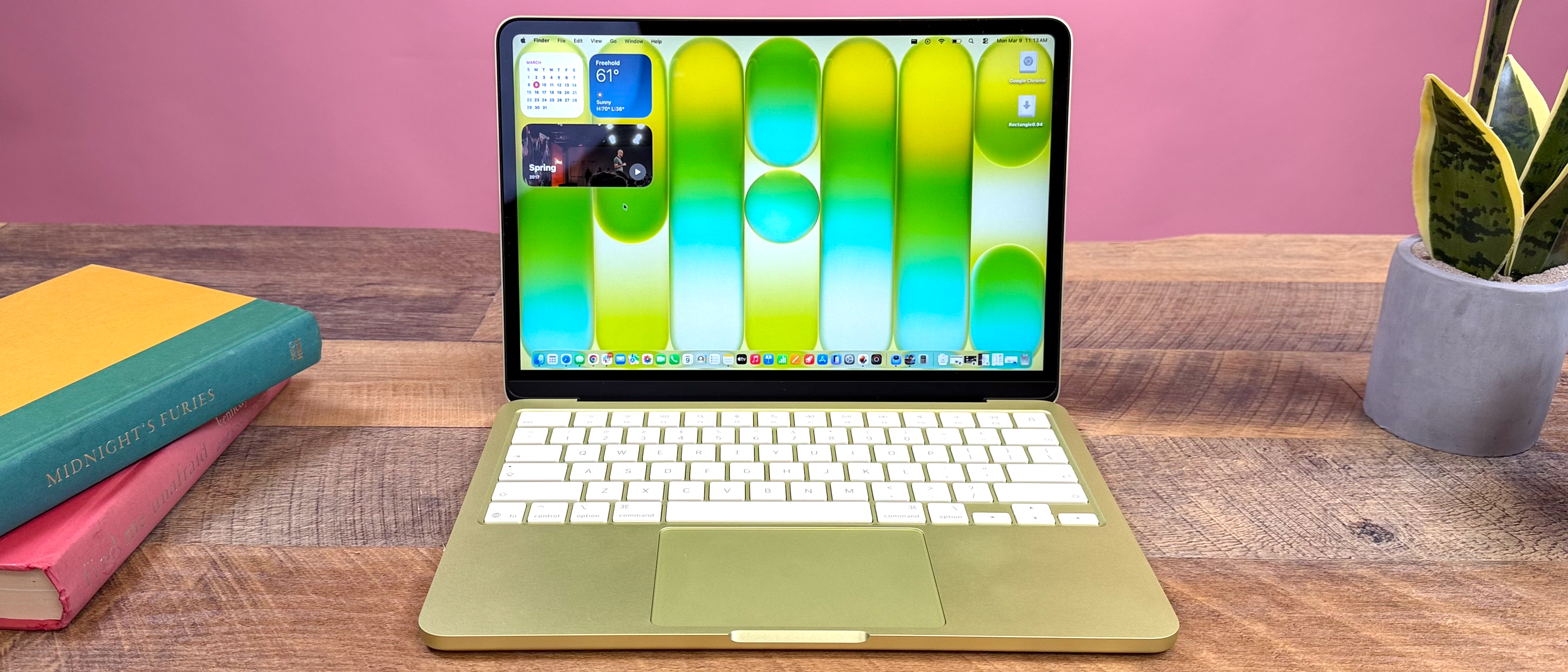
MacBook Air Colors: Blue, Pink, and All Options
The Complete 2025 Guide to Choosing the Perfect Finish for Your MacBook Air M2, M3, and M4.
Quick Overview: MacBook Air Colors Available in 2025
Silver
The Classic Choice
Timeless, neutral, and professional. The standard for Apple aluminum design.
Space Gray
Professional & Sleek
Darker, matte finish. The go-to for a serious, understated aesthetic.
Midnight
Dark & Sophisticated
A rich, near-black blue. Stylish but requires frequent cleaning.
Starlight
Elegant & Unique
A warm, champagne gold. Subtle elegance that stands out subtly.
| Feature | Silver | Space Gray | Midnight | Starlight |
|---|---|---|---|---|
| Brightness | ⭐⭐⭐⭐⭐ | ⭐⭐⭐ | ⭐⭐ | ⭐⭐⭐⭐⭐ |
| Fingerprint Visibility | High | Moderate | Very High | Low |
| Scratch Visibility | Very Visible | Moderate | Hidden | Visible |
| Vibe | Classic | Pro | Fashionable | Elegant |
Detailed Review: Every MacBook Air Color Explained
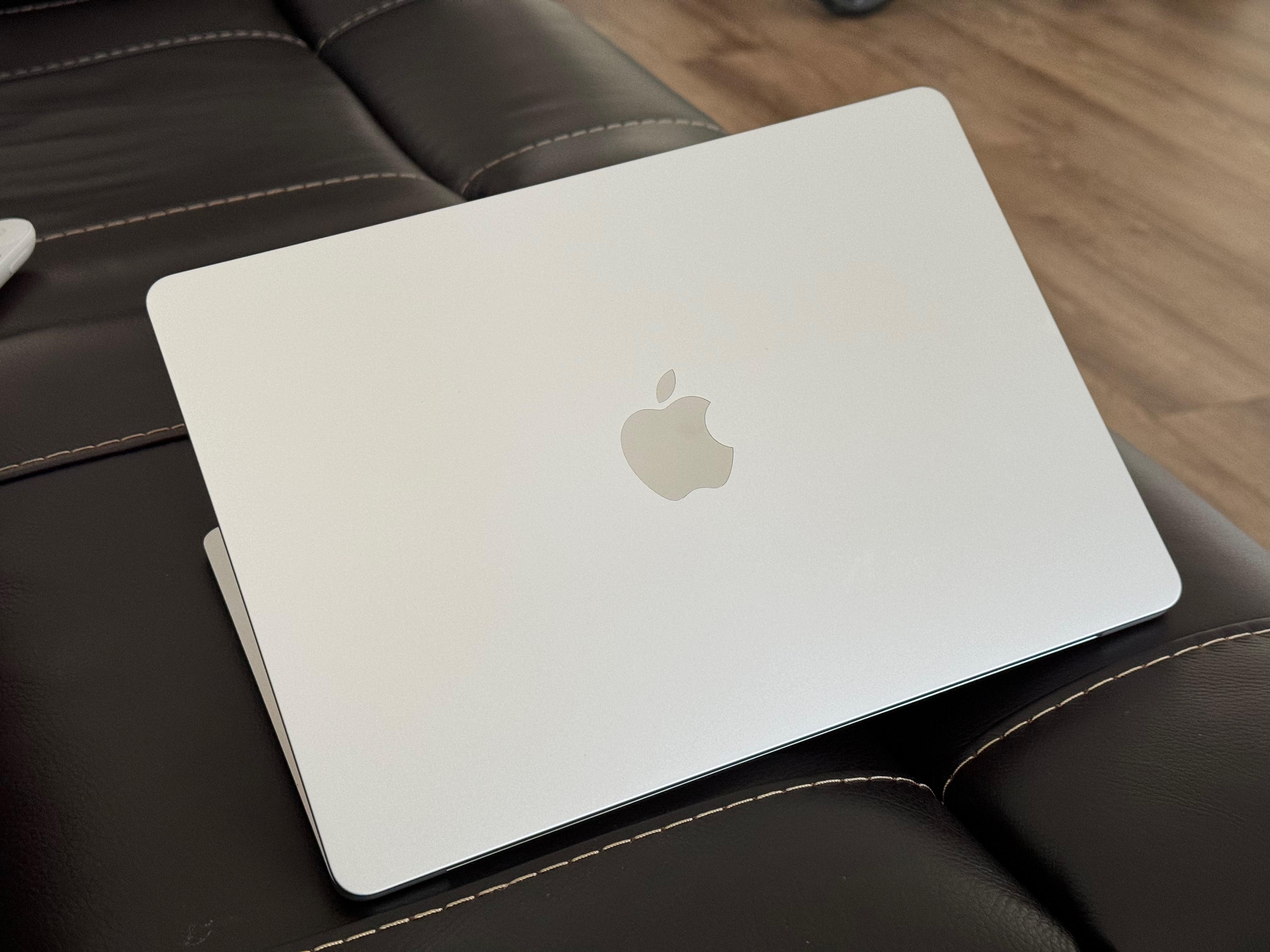
Silver: The Classic Choice
The silver finish is the quintessential Apple look. It features a clean, brushed aluminum appearance that reflects light beautifully but remains neutral enough for any environment.
Who This Is For
- Business professionals needing a universal look
- First-time MacBook buyers
- Anyone planning to resell the device later
Pros
- ✅ Timeless design
- ✅ Highest resale value
- ✅ Matches all accessories
Cons
- ⚠️ Scratches show easily
- ⚠️ Can look generic
- ⚠️ Reflective glare
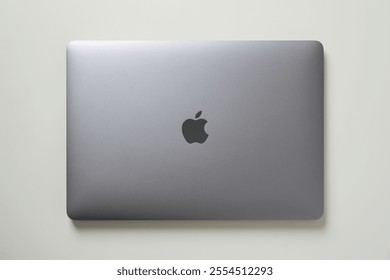
Space Gray: Professional & Sleek
Darker than Silver but not pure black, Space Gray offers a matte, industrial aesthetic. It absorbs more light, making it ideal for users who find bright white devices distracting.
Who This Is For
- Developers and IT professionals
- Users in dark environments (video editing/coding)
- Those who prefer a low-profile look
Pros
- ✅ Hides minor scratches
- ✅ Less reflective
- ✅ Looks professional
Cons
- ⚠️ Can appear "serious"
- ⚠️ Shows some dust
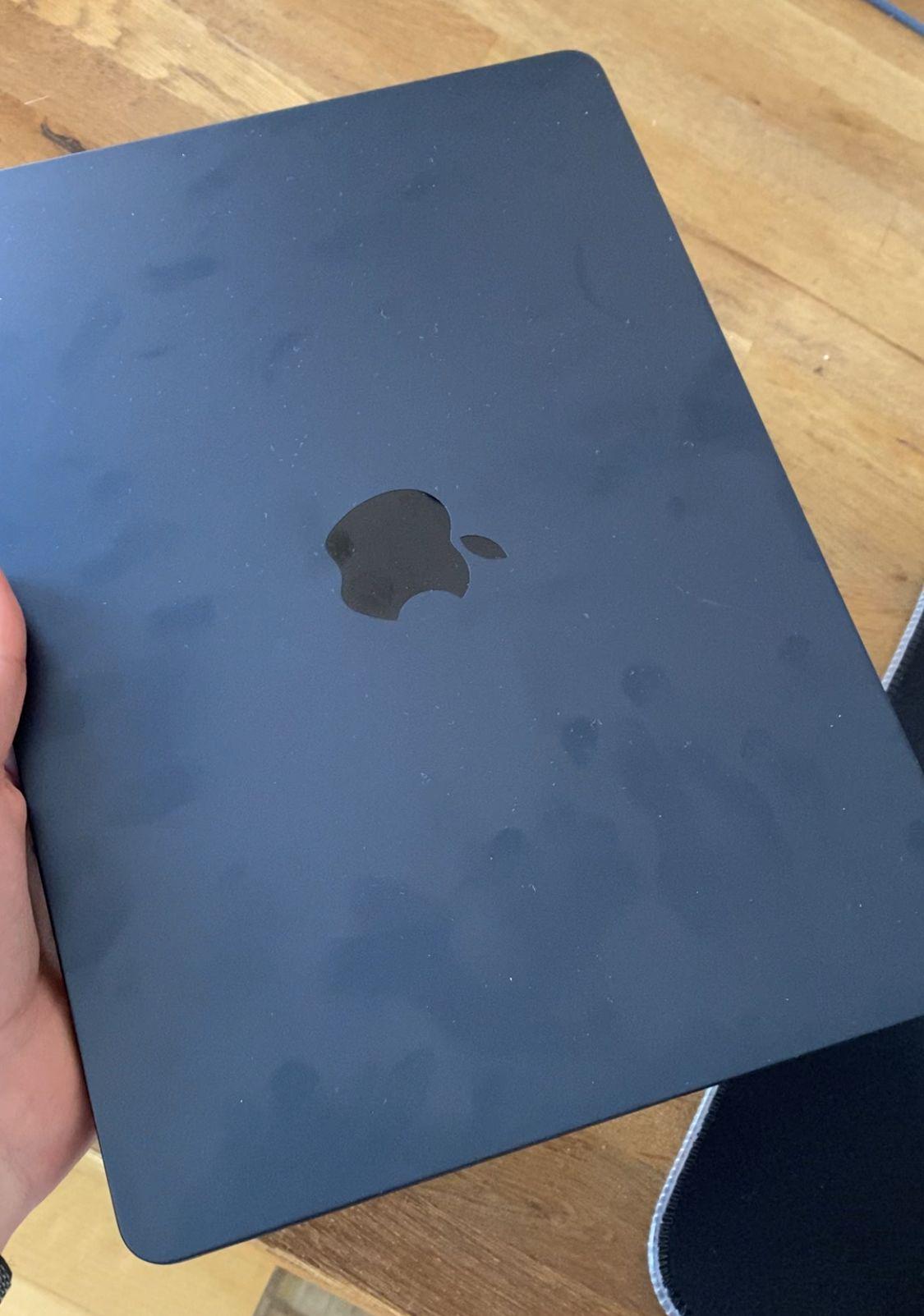
Midnight: Dark & Sophisticated
Introduced in 2022, Midnight is a striking dark blue-black. In low light, it looks black; in direct sunlight, rich blue undertones emerge. It is arguably the most fashion-forward option.
The "Blue" Debate
While often marketed as black, Midnight is technically a very deep navy. If you are looking for a "Blue" MacBook, this is the closest official option.
Pros
- ✅ Unique aesthetic
- ✅ Best at hiding scratches
- ✅ Great for night use
Cons
- ⚠️ Fingerprint magnet
- ⚠️ Harder to match cases
- ⚠️ Shows oil/grease easily
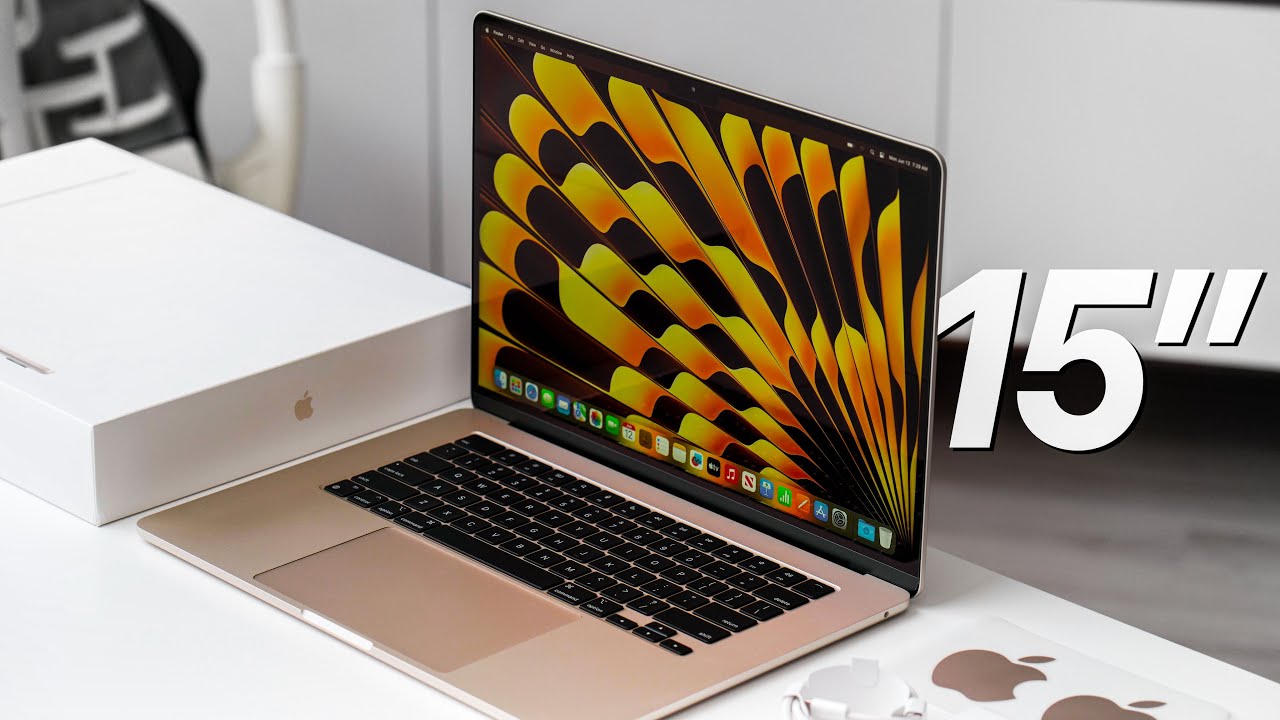
Starlight: Elegant & Unique
Starlight is a warm, champagne hue with subtle pearlescent qualities. It is warmer than Silver but softer than the old Gold or Rose Gold colors. It adds a touch of personality without being loud.
Who This Is For
- Users wanting a warmer tone
- Those who dislike the starkness of Silver
- Gift buyers looking for something special
Pros
- ✅ Elegant finish
- ✅ Resists fingerprints well
- ✅ Distinctive look
Cons
- ⚠️ Lighter scratches show
- ⚠️ Fewer accessories match
- ⚠️ Lower resale demand
Color Durability & Practicality: Which Lasts Best?
🔍 Scratch Visibility
Deep colors hide micro-abrasions better than light colors, which reflect light off sharp edges.
- Midnight: Best at hiding scratches.
- Space Gray: Very good camouflage.
- Silver & Starlight: Scratches appear as bright white lines.
🖐️ Fingerprint Magnet?
The anodized finish varies in oil absorption. Midnight is notorious for showing grease.
- Midnight: Shows fingerprints immediately (High Maintenance).
- Silver: Shows smudges clearly on the palm rest.
- Starlight & Space Gray: Most forgiving.
Long-Term Aging & Yellowing
Aluminum doesn't "yellow" like plastic, but the clearcoat can discolor slightly or accumulate grime in texture.
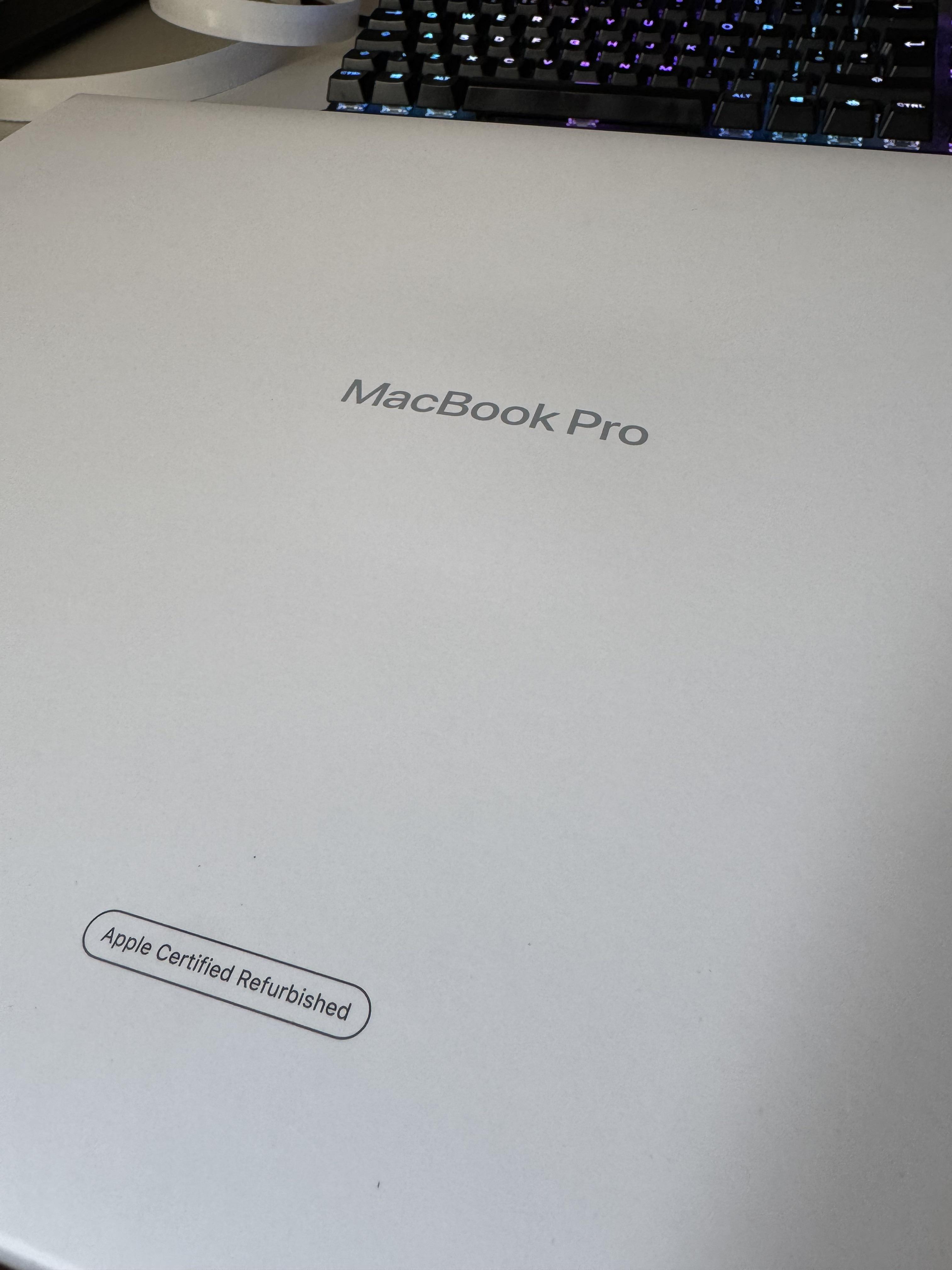
MacBook Air vs. MacBook Pro: Color Differences
Why Different Colors?
Apple differentiates the consumer-focused Air from the professional Pro line through color psychology.
- ● Air: Playful, lifestyle, expressive (Midnight, Starlight).
- ● Pro: Serious, premium, uniform (Space Black).
| Color Name | Available on Air? | Available on Pro? |
|---|---|---|
| Midnight | ✅ Yes (Exclusive) | ❌ No |
| Starlight | ✅ Yes (Exclusive) | ❌ No |
| Space Black | ❌ No | ✅ Yes (Pro Exclusive) |
| Silver | ✅ Yes | ✅ Yes |
| Space Gray | ✅ Yes | ✅ Yes |
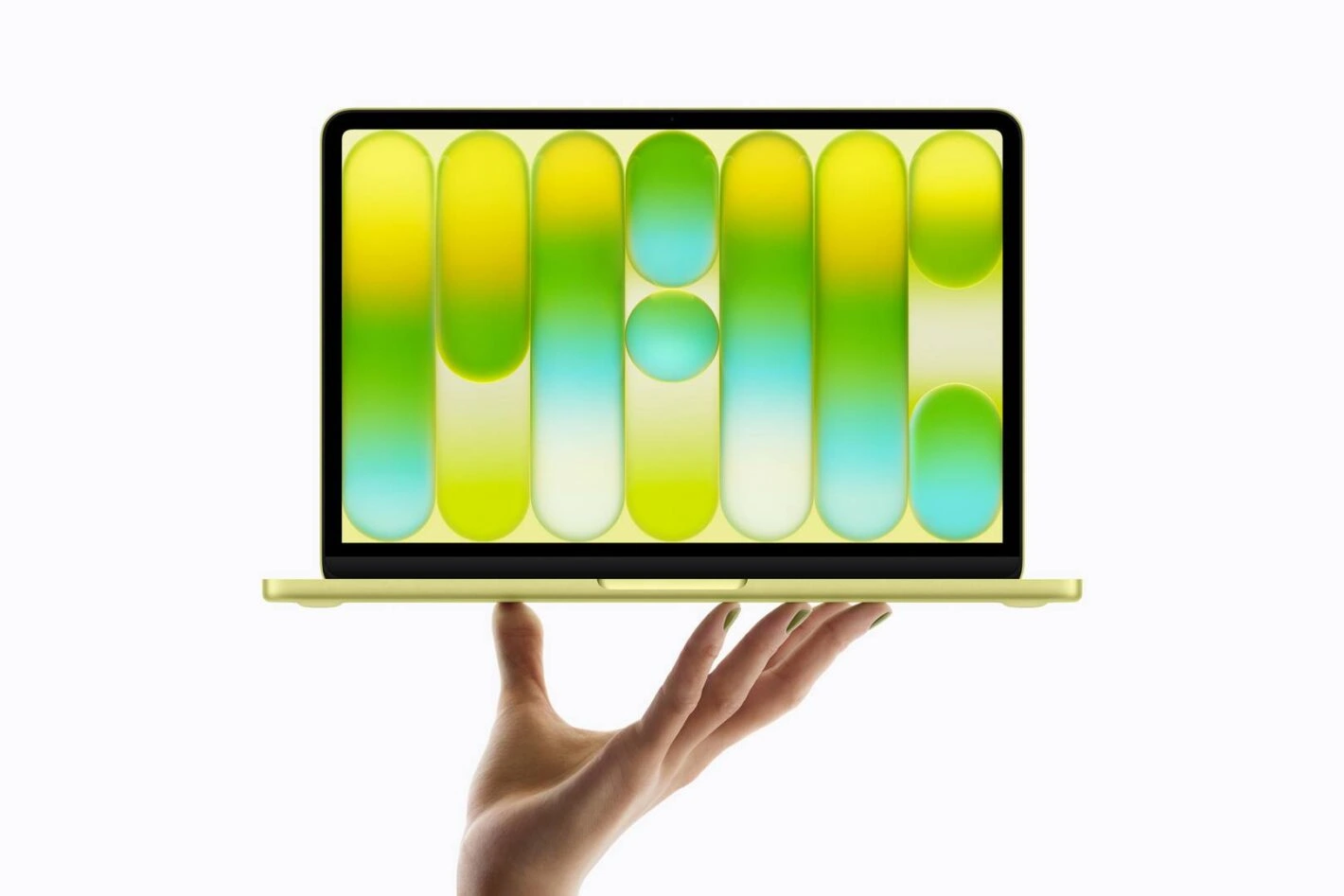
Visual Comparison: See the Colors in Action
Which MacBook Air Color Should You Buy?
For Students
Need style + resale value.
For Business Pros
Understated & professional.
For Creatives
Unique & color accurate.
For Home Users
Warm & family friendly.
Matching Your Apple Ecosystem
Many users want their iPhone, iPad, and Mac to match. Here is the best pairing logic:
iPhone Blue / Natural Titanium
Pairs best with
MidnightiPhone Silver / Graphite
Pairs best with
iPhone Pink / Starlight
Pairs best with
StarlightExpert Buying Advice: Don't Make a Mistake
Don't Trust Photos Alone
Monitors display colors differently. Midnight can look pitch black on one screen and deep royal blue on another. The finish is also anisotropic—it changes based on the angle of the light.
Visit an Apple Store
If possible, see the colors in person. Touch them. See how the light catches the Midnight finish versus the matte finish of Space Gray.
Think Long-Term (3-5 Years)
Will you still love this color in 2028? Trendy colors like Starlight might feel dated, whereas Silver and Space Gray are proven classics. Also consider resale value: Silver sells the fastest.
Frequently Asked Questions
Does the color affect performance or price?
No. All four colors (Silver, Space Gray, Midnight, Starlight) cost exactly the same for the same configuration, and they offer identical performance.
Can I change the color of my MacBook Air later?
Officially, no. You can buy third-party skins (like dbrand or Slickwraps), but painting the device voids your warranty. Cases are the safest way to change the look.
Is Midnight actually blue?
Yes. While often grouped with "Black" laptops, Midnight has a deep navy blue hue that becomes visible in sunlight. It is the closest Apple has come to a "Blue" MacBook in years.
Which color is best for hiding fingerprints?
Starlight and Space Gray are generally the best at hiding fingerprints. Midnight is the worst—it is notorious for showing every smudge.
Final Verdict & Recommendations
Best for Most People
Silver
The safe, timeless, and professional choice that never goes out of style.
Best for Style
Midnight
For those who want a unique, head-turning look and don't mind cleaning it.
Best for Durability
Space Gray
Hides scratches and wear better than the others, keeping its "new" look longest.
Still undecided? Go with Silver. You can't go wrong with the classic.

_img1.webp)