MacBook Neo vs MacBook Air M1: Full Comparison 2026
Discover the key differences between Apple's budget-friendly MacBook Neo and the iconic M1 MacBook Air. Which one deserves your money?
Quick Verdict: MacBook Neo vs MacBook Air M1
The 2026 MacBook Neo (featuring A18-series chips) is a modern, value-oriented laptop that outperforms the 2020 M1 MacBook Air in raw speed and battery life. However, the M1 MacBook Air remains a premium, durable classic with superior build quality and features.
Which MacBook Is Better Overall?
For most users seeking the best performance-per-dollar and modern design, the MacBook Neo is the better overall choice. However, if you prioritize premium feel and proven reliability, the M1 Air still holds up remarkably well.
Best Choice for Students
MacBook Neo – its lower starting price, long battery life, and snappy performance for note-taking and research make it ideal for budget-conscious students.
Best Choice for Professionals
MacBook Air M1 – professionals who value a superb typing experience, Force Touch trackpad, and consistent performance in a proven chassis will prefer the M1 Air.
Video Comparison: MacBook Neo vs M1 Air
MacBook Neo vs MacBook Air M1: Complete Specs Comparison
| Feature | MacBook Neo (2026) | MacBook Air M1 (2020) |
|---|---|---|
| Processor | Apple A18 Pro chip (6-core CPU, 5-core GPU) | Apple M1 chip (8-core CPU, 7 or 8-core GPU) |
| GPU | 5-core GPU with hardware-accelerated ray tracing | 7-core or 8-core GPU (integrated) |
| RAM | 8GB unified memory (configurable to 16GB) | 8GB unified memory (configurable to 16GB) |
| Storage | 256GB SSD (base), up to 2TB | 256GB SSD (base), up to 2TB |
| Display | 13.0" Liquid Retina, 2408x1506, 500 nits | 13.3" Retina, 2560x1600, 400 nits, P3, True Tone |
| Battery Life | Up to 16 hours web browsing | Up to 15 hours web browsing |
| Weight | 2.7 pounds (1.23 kg) | 2.8 pounds (1.29 kg) |
Design and Build Quality: MacBook Neo vs MacBook Air M1

Materials and Build
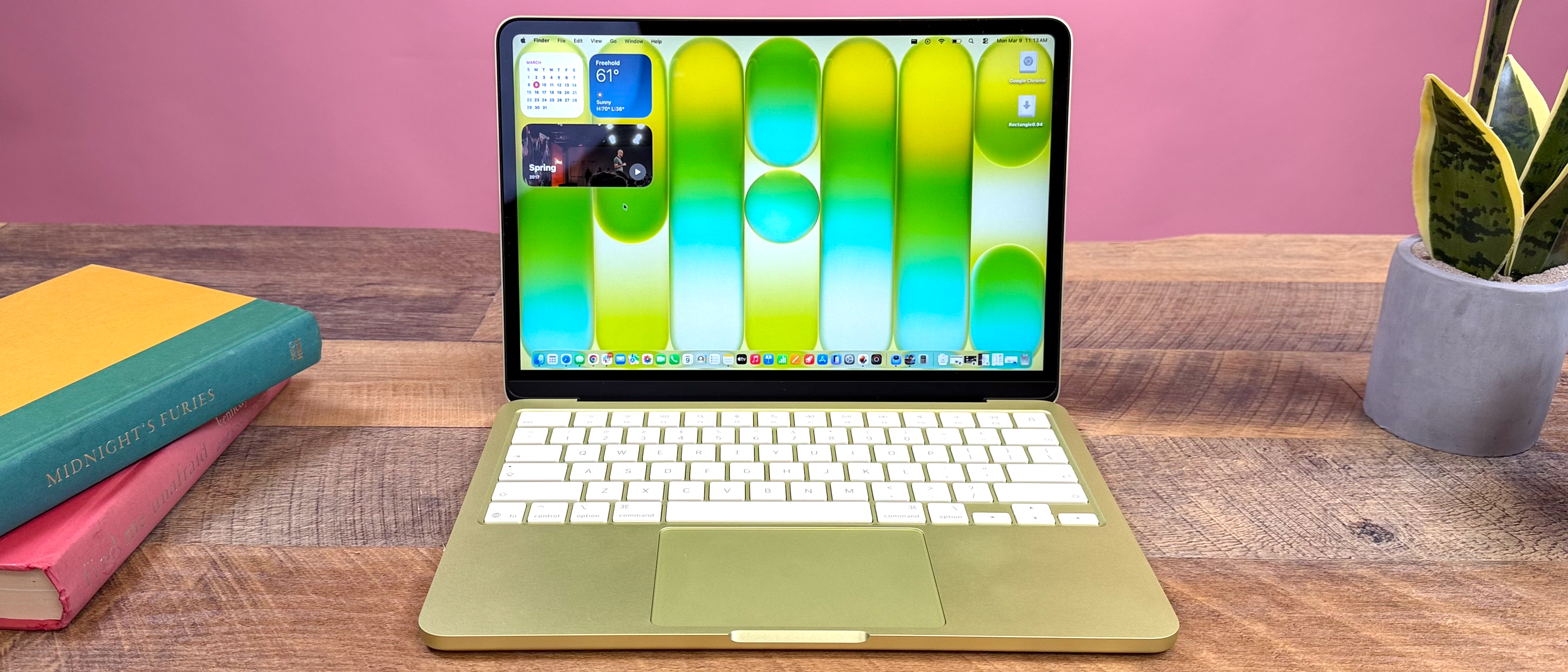
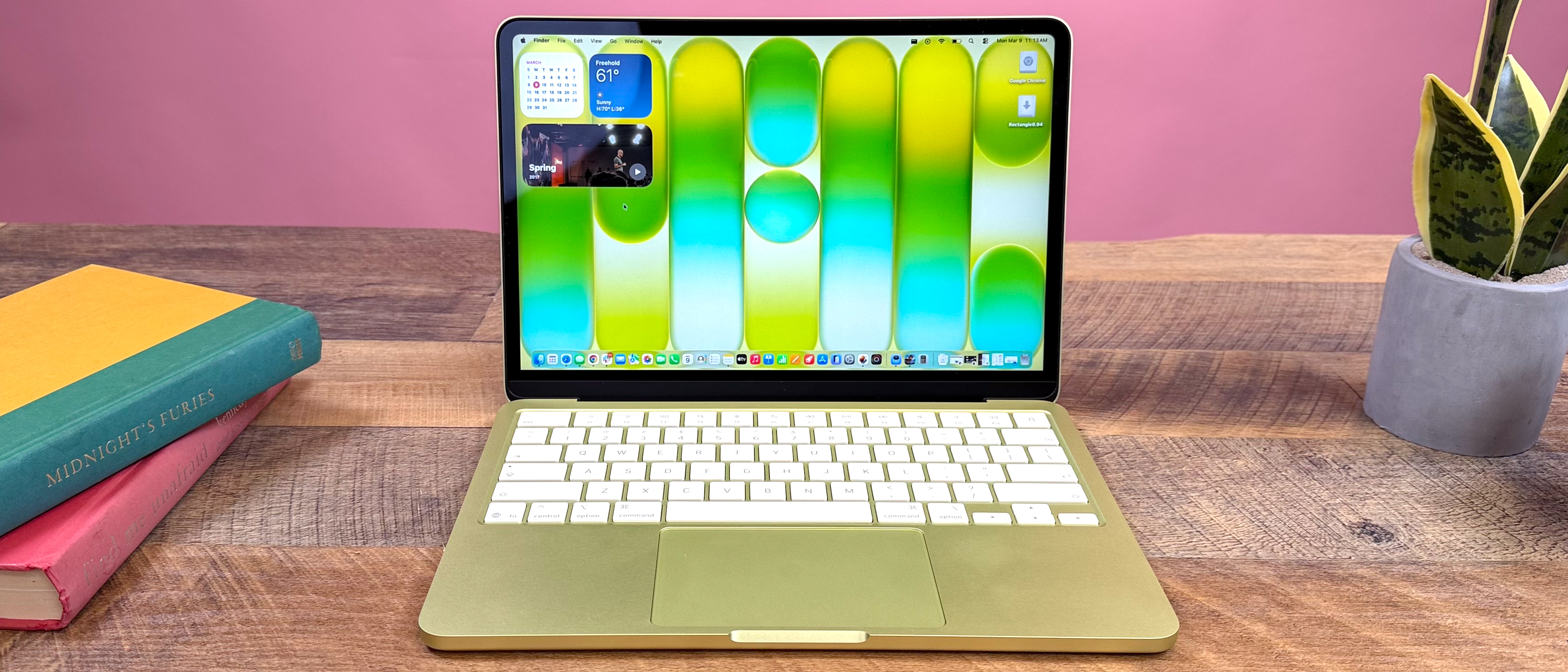
The MacBook Neo uses recycled aluminum with a modern, rounded-corner design similar to recent MacBook Pros. The M1 MacBook Air features Apple's iconic wedge-shaped unibody aluminum design that feels exceptionally solid and premium.
Thickness and Weight
Neo: 0.5" thick, 2.7 lbs – slightly thinner and lighter. M1 Air: 0.63" at its thickest point, 2.8 lbs. Both are extremely portable, but the Neo feels more compact.
Keyboard and Trackpad
This is a major differentiator. The M1 Air has a superior backlit Magic Keyboard and a Force Touch trackpad. The base Neo lacks keyboard backlighting and uses a traditional "diving board" trackpad (Touch ID only on 512GB+ models).
Display Showdown: MacBook Neo vs MacBook Air M1 Screens
Screen Size and Resolution
The MacBook Air M1 has a slightly larger 13.3-inch screen with a higher 2560x1600 resolution. The MacBook Neo uses a 13.0-inch Liquid Retina display at 2408x1506. In practice, both are sharp, but the Air has a slight edge in pixel density.
Brightness and Color Accuracy
Neo: Brighter at 500 nits, but covers the standard sRGB color gamut. M1 Air: 400 nits brightness, but supports the wider P3 color gamut and includes True Tone technology for more natural-looking whites. For creative work, the Air's display is more capable.

Performance Comparison: MacBook Neo A18 vs MacBook Air M1
CPU and GPU Performance
The MacBook Neo's A18 Pro chip delivers significantly higher single-core performance, making everyday tasks feel snappier. Its 5-core GPU with ray tracing support also outperforms the M1's integrated graphics in supported applications. However, the M1's 8-core CPU still offers excellent multi-core performance for sustained workloads.
Real-World Performance Scenarios:
- Web Browsing: Both are exceptionally fast. Neo has a slight edge in page load times.
- Programming: M1 Air handles Xcode, VS Code, and containers brilliantly. Neo's newer chip compiles code slightly faster.
- Photo Editing: Neo renders filters faster in Lightroom. M1 Air still handles Photoshop smoothly.
Battery Life Comparison
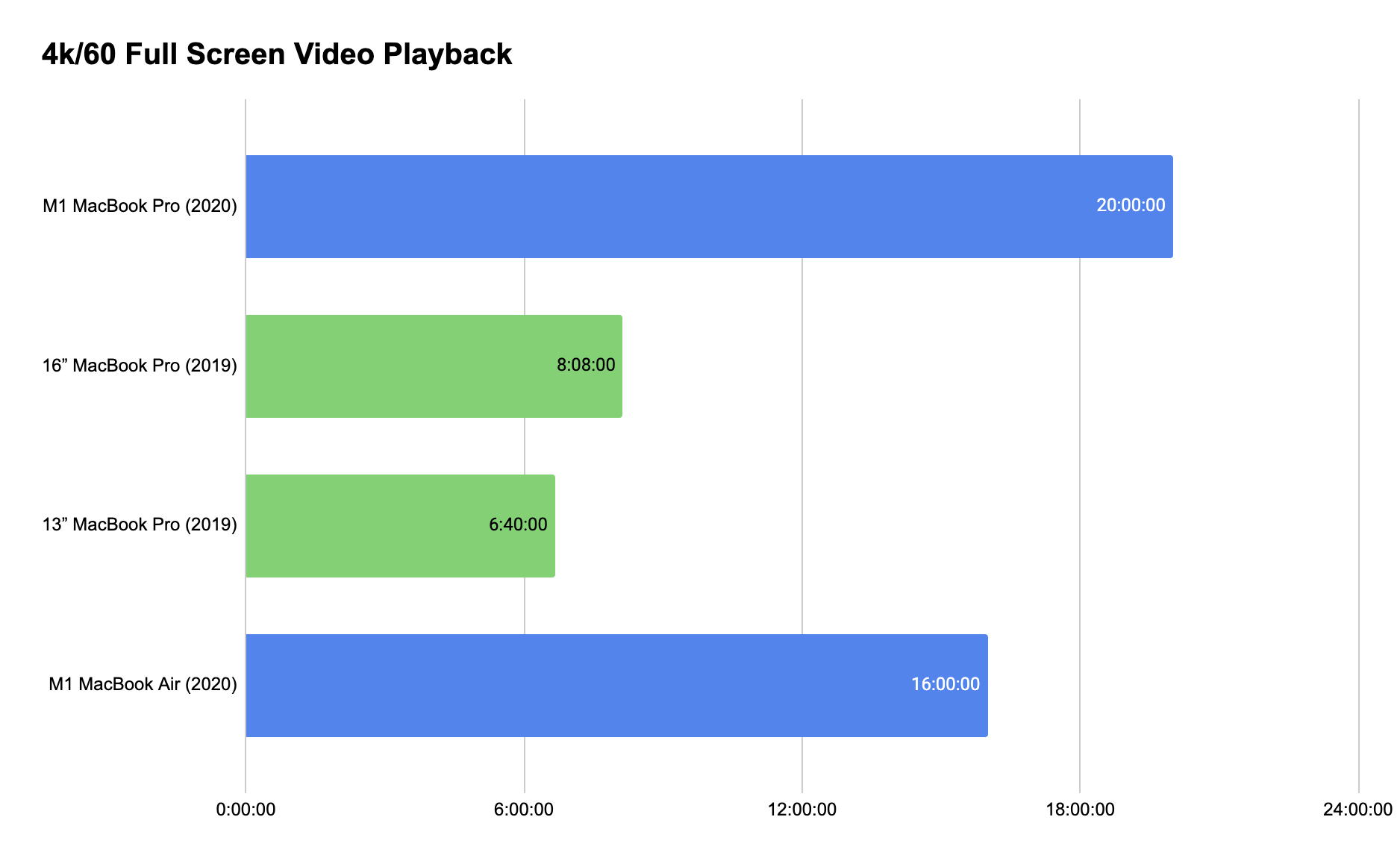
Apple's efficiency gains shine in the Neo. In controlled video playback tests, the Neo lasts up to 16 hours vs. the M1 Air's 15 hours. For real-world mixed usage (browsing, documents, video calls), expect 10-12 hours from the Neo and 9-11 hours from the M1 Air – both are excellent.
Price and Value Analysis
Base Model Price: MacBook Neo starts around $599, while the M1 MacBook Air starts at $999 (though often discounted).
Best Value Configuration: For the Neo, the 512GB model adds Touch ID and is worth the upgrade. For the M1 Air, the 16GB RAM/512GB SSD configuration offers the best longevity, though it significantly increases the price.
Value Verdict:
The MacBook Neo offers unparalleled performance per dollar. The M1 Air costs more but retains better resale value and offers a more premium experience.
MacBook Neo vs MacBook Air M1 for Students
Which Is Better for College?
For the typical student, the MacBook Neo is the smarter choice. Its lower price reduces financial stress, the battery easily lasts a full day of classes, and performance is more than enough for research, writing, and presentations.
The M1 Air is better for students in design, video, or music programs who need the P3 display, True Tone, and proven creative app performance.
Best Budget Option
MacBook Neo – 256GB SSD model.
At around $600, it's the most affordable new MacBook ever, yet capable enough for 95% of student needs.

Pros and Cons: MacBook Neo vs MacBook Air M1
MacBook Neo Pros
- ✓ Exceptional value for money
- ✓ Superior single-core CPU performance
- ✓ Longer battery life
- ✓ Modern design with rounded corners
- ✓ Wi-Fi 6E and Bluetooth 6 support
MacBook Neo Cons
- ✗ Base model lacks keyboard backlight and Touch ID
- ✗ Standard trackpad (not Force Touch)
- ✗ sRGB display (no P3 wide color)
- ✗ Build materials feel less premium
MacBook Air M1 Pros
- ✓ Premium, durable unibody aluminum build
- ✓ Excellent backlit Magic Keyboard
- ✓ Best-in-class Force Touch trackpad
- ✓ P3 wide color display with True Tone
- ✓ Proven reliability and high resale value
MacBook Air M1 Cons
- ✗ Higher starting price
- ✗ Older Wi-Fi 5 and Bluetooth 5.0
- ✗ Slightly slower single-core performance
- ✗ 2020 design starting to show its age
Which MacBook Should You Buy? Final Decision Guide
Buy MacBook Neo If...
- 1 Your budget is under $700 and you want maximum performance per dollar.
- 2 You prioritize battery life and modern connectivity (Wi-Fi 6E).
- 3 You're a student or casual user who doesn't need professional color accuracy.
- 4 You prefer the look of Apple's modern rounded-edge design language.
Buy MacBook Air M1 If...
- 1 You can find it on sale (often $800-$900) and value premium build quality.
- 2 The keyboard, trackpad, and typing experience are critically important to you.
- 3 You do photo/video work and need the P3 wide color display with True Tone.
- 4 You plan to resell it in a few years and want better resale value.
Final Verdict: MacBook Neo vs MacBook Air M1
Which is more worth buying? For most people in 2026, the MacBook Neo represents the better value and more modern choice. Its performance advantages, lower price, and updated design make it the smarter purchase for new buyers.
Recommended for:
- Students and budget-conscious buyers: MacBook Neo
- Professionals who value typing experience: MacBook Air M1
- Creative professionals on a budget: MacBook Air M1 (for the display)
- General users wanting the latest tech: MacBook Neo
The M1 MacBook Air remains an excellent machine, but the MacBook Neo's aggressive pricing and modern features make it the new budget king in the Mac ecosystem.
MacBook Neo vs MacBook Air M1: Frequently Asked Questions
Is the MacBook Air M1 still worth buying in 2026?
Yes, especially if you find it discounted. Its build quality, display, and overall refinement are still excellent. However, at full price, the MacBook Neo offers better value with newer technology.
Is the MacBook Neo faster than the M1 MacBook Air?
Yes, in single-core tasks and GPU performance. The A18 Pro chip in the Neo delivers about 15-20% faster single-core performance. For multi-core workloads, they're more comparable, with the M1 sometimes holding an edge.
Which MacBook is better for computer science students?
MacBook Neo – the price advantage is significant for students. Its performance is more than enough for coding, virtual machines, and coursework. Use the money saved for additional peripherals or software.
Can the MacBook Air M1 handle programming and development?
Absolutely. The M1 MacBook Air is still a capable development machine. It handles VS Code, IntelliJ, Docker containers, and even light machine learning tasks well. For most developers, it remains a solid choice, though the Neo compiles code slightly faster.
How much longer will the M1 MacBook Air receive software updates?
Based on Apple's typical support timeline, the M1 Air should receive macOS updates until at least 2027-2028, with security updates beyond that. The Neo, being newer, will likely be supported until 2030 or later.



_img1.webp)