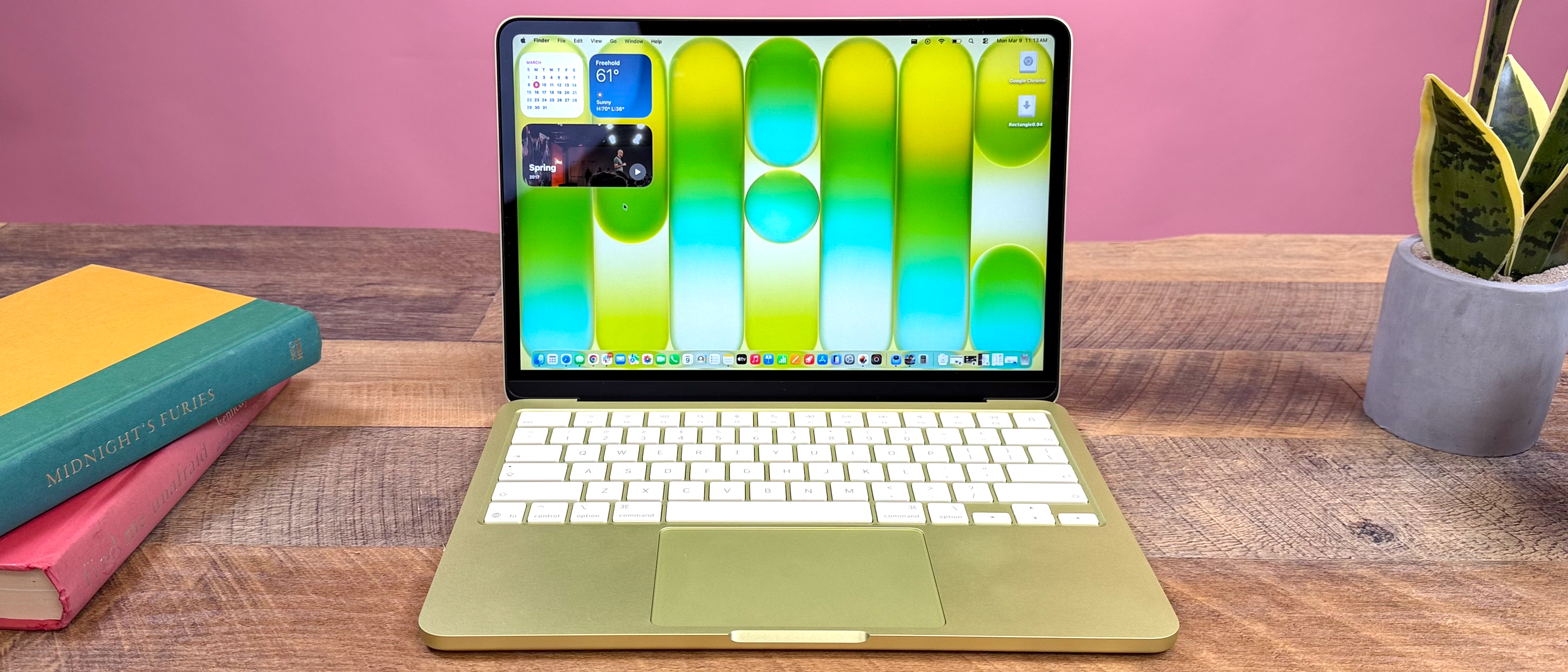

Is the MacBook Neo Good for Gaming?
A deep dive into the M4 performance, thermal throttling realities, game library limitations, and whether Apple's latest silicon can finally replace your Windows rig.
Quick Answer: The Short Version
Bottom Line Verdict
The MacBook Neo (M4 Series) can play games, but it is not a dedicated gaming machine. It excels at Indie games and runs select AAA titles natively with surprising power. However, it suffers from anti-cheat incompatibility (killing most Esports) and thermal throttling on base models.
Who Should Buy a MacBook Neo for Gaming?
- Professionals who need a Mac for work but want to game casually.
- Indie game enthusiasts who love titles like Hades or Stardew Valley.
- Users who prefer strategy/simulation games over competitive shooters.
Who Should Avoid MacBook Neo for Gaming?
- Competitive gamers relying on Valorant, Apex Legends, or Overwatch 2.
- Budget-conscious buyers (Windows offers better FPS per dollar).
- Players demanding maximum graphical settings for the latest AAA blockbusters.
Gaming Capability Score
Core Conclusion: Excellent for work & indie play. Poor for competitive shooters.
MacBook Neo Gaming Performance Overview: M4 Chip Analysis
M4 vs M3 vs M2: Gaming Performance Leap
| Game Title | Settings | M2 Chip | M3 Chip | M4 Chip |
|---|---|---|---|---|
| Baldur's Gate 3 | 1080P Med | 35 FPS | 45 FPS | 60 FPS |
| Cyberpunk 2077 | 1080P Low | 20 FPS | 25 FPS | 30 FPS |
| Resident Evil Village | 1080P High | 45 FPS | 55 FPS | 70 FPS |
*Data reflects average performance boost. M4 shows approx 50-60% improvement over M2.
Air (Passive) vs Pro (Active Cooling)
The biggest differentiator isn't just the chip, it's the ability to sustain performance.
Passive Cooling
Silent operation, but performance drops 30% after 30 mins of intense gaming. Touch temp reaches ~50°C.
Active Cooling (Fan)
Fans spin up under load. Maintains 60+ FPS consistently for hours. Touch temp stays cooler (~40-45°C).
M4 Base vs M4 Pro vs M4 Max: GPU Core Scaling
What Games Can You Play on MacBook Neo?
Native Games
Best experience. Optimized for Apple Silicon.
- ✅ Baldur's Gate 3
- ✅ Resident Evil Village
- ✅ Hades
- ✅ World of Warcraft
Game Porting Toolkit
Play Windows games via translation (Tech required).
- ⚠️ Cyberpunk 2077 (Playable)
- ⚠️ Elden Ring (Okay)
- ⚠️ God of War (Good)
- ⚠️ Horizon Zero Dawn
Cloud Gaming
Stream AAA games. Requires fast internet.
- ☁️ GeForce NOW
- ☁️ Xbox Cloud Gaming
- ☁️ Amazon Luna
- *Great for unsupported titles.
Cannot Play
Blocked by anti-cheat or lack of port.
- ❌ Valorant (Anti-Cheat)
- ❌ Apex Legends
- ❌ GTA V (No Mac Port)
- ❌ Call of Duty (Modern)
Real-World Gameplay Footage
Best Games for MacBook Neo 2025
Top 10 Native Mac Games
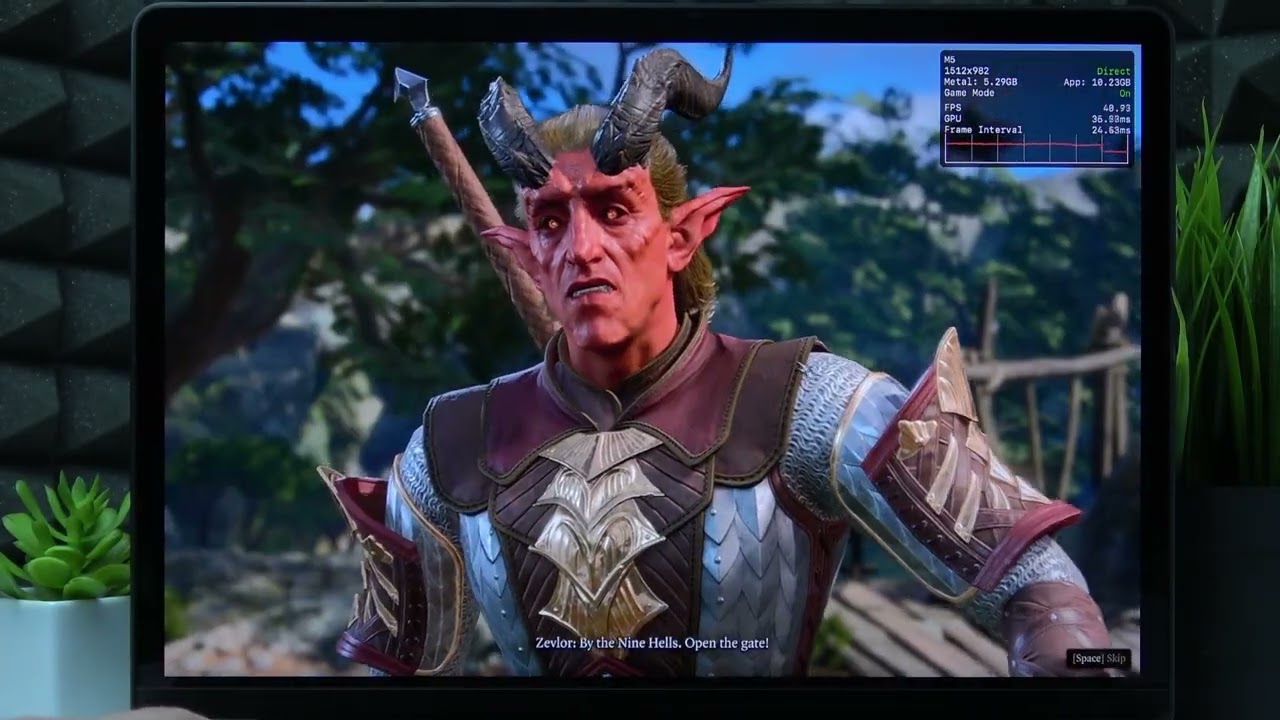
Spotlight: Baldur's Gate 3
The ultimate RPG test for the MacBook Neo.
Requires M4 Pro or Max for stable 60FPS+ at high resolutions.
Thermal Management & Sustained Performance
Air Passive Cooling Limits
The MacBook Air relies on the chassis to dissipate heat. Under gaming load, this creates a thermal bottleneck.
Baldur's Gate 3 (30 Min Session)
After 30 minutes, the CPU/GPU throttles, causing FPS to drop from 40 to ~28.
Pro Active Cooling Performance
Fans allow the Pro to maintain peak clock speeds for hours, essential for long gaming sessions.
Baldur's Gate 3 (2 Hour Session)
Performance remains stable at 60 FPS. Fan noise is audible but not distracting.
Buying Guide: Which MacBook Neo is for You?
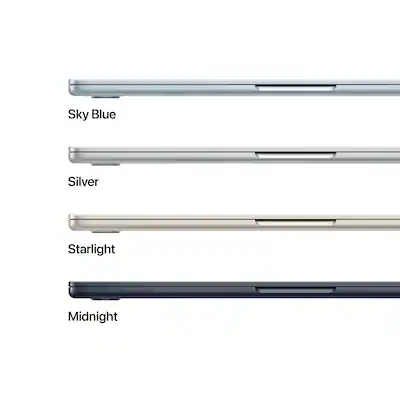
MacBook Air M4
The Casual Choice
- ✓ Silent Gaming
- ✓ Great for Indie Games
- ✗ Throttles on AAA
- ✗ Lower sustained FPS
Best For
Students & Indie Gamers
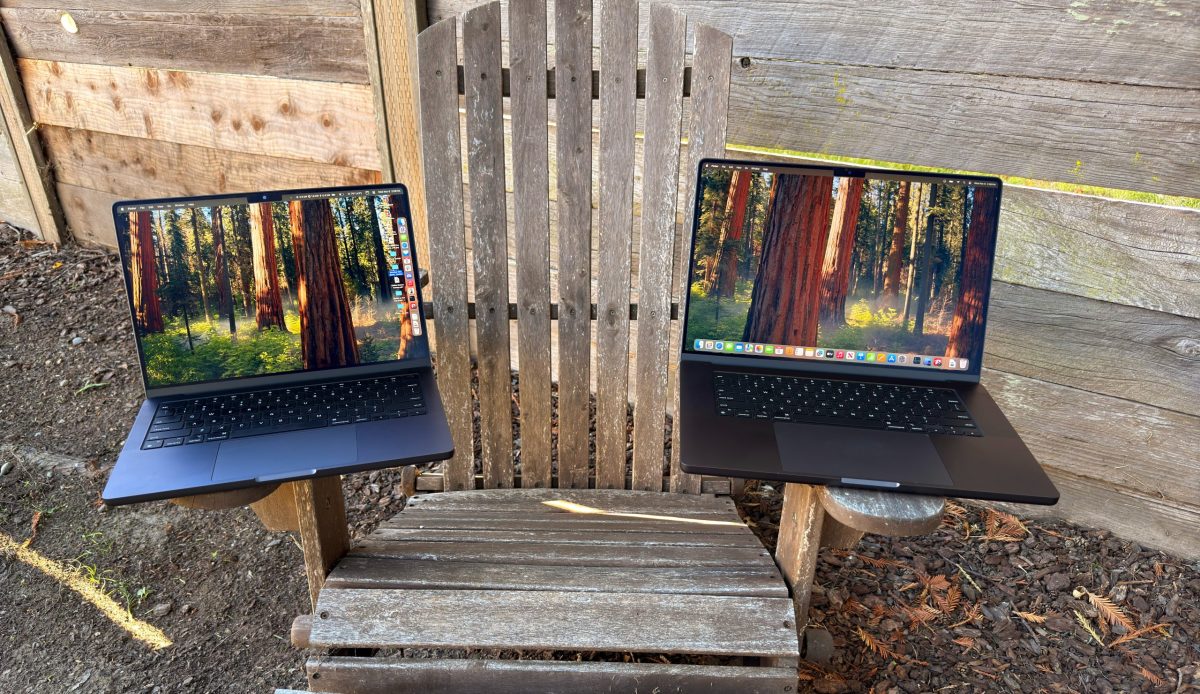
MacBook Pro M4
The Sweet Spot
- ✓ Active Cooling (Fans)
- ✓ 120Hz Display (ProMotion)
- ✓ Stable AAA Performance
- ~ Fan noise under load
Best For
Serious Gamers who need a Mac for work
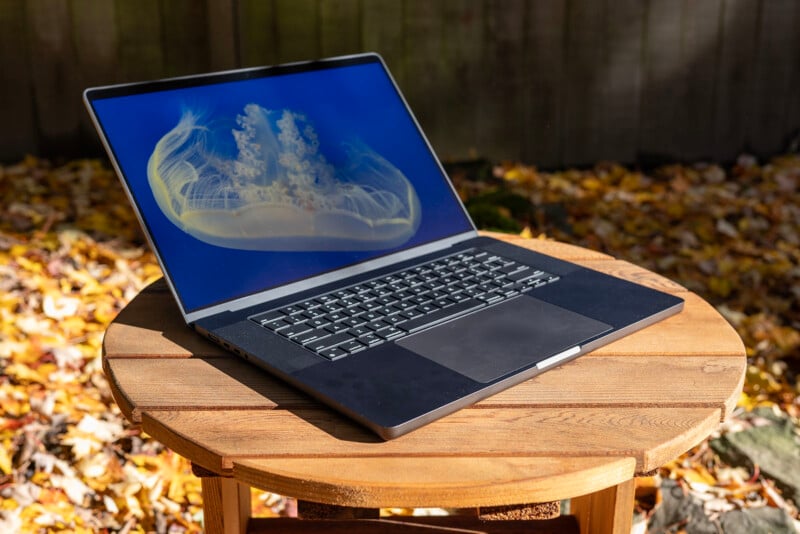
MacBook Pro M4 Max
The Beast
- ✓ 40 GPU Cores
- ✓ 4K Gaming Capable
- ✓ Future Proof
- ✗ Very Expensive
Best For
Developers & Enthusiasts with no budget limit
Final Verdict
If gaming is your primary focus, a Windows gaming laptop remains the superior choice due to library size and raw price-to-performance ratio. However, if you need a Mac for work and want to game on the side, the MacBook Pro M4 is a capable machine that runs most modern titles surprisingly well, provided you stick to native games or cloud streaming.
✔ Pros
- • Incredible battery life (when not gaming)
- • World-class display and build quality
- • Silent operation on Air models
- • Excellent performance for Indie games
✖ Cons
- • Anti-cheat blocks major Esports titles
- • Expensive compared to gaming PCs
- • Air models suffer thermal throttling
- • No hardware upgrades (RAM/GPU)



_img1.webp)