MacBook Neo for Students: Configurations, Price, and Value
Apple's new MacBook Neo brings Mac's creative power to more classrooms with education-friendly pricing that makes advanced learning experiences accessible to budget-conscious students.
"The MacBook Neo introduces a streamlined design aimed at education environments, making the power of Mac accessible to more learners."
Mat Pullen
March 4, 2026
Reading time: 8 min
~2500 words
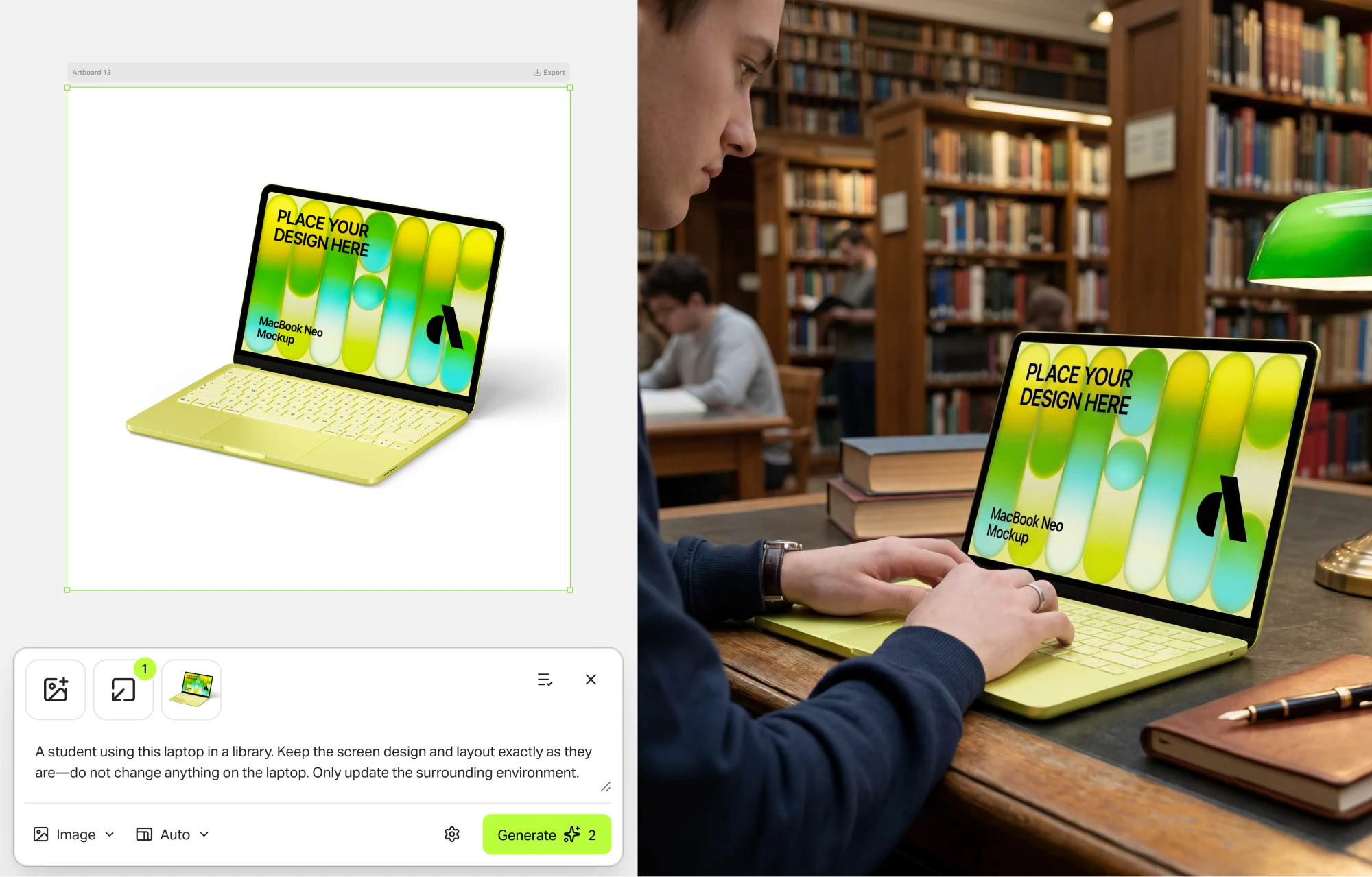
Why MacBook Neo Is the Best MacBook for Students
Designed with the student lifestyle in mind, the MacBook Neo combines affordability, portability, and reliable performance for all academic tasks.
Lightweight and Portable
Weighing just 2.7 lbs and with a compact form factor, the MacBook Neo fits easily into any backpack, making it perfect for moving between classes, libraries, and study sessions.

Long Battery Life for Students
With up to 18 hours of battery life, the MacBook Neo lasts through a full day of classes, note-taking, research, and even evening study marathons without needing a charger.

Performance for School Tasks
Handles everything from writing papers and creating presentations to running coding environments and light graphic design smoothly, thanks to its optimized Apple silicon.

Detailed MacBook Neo Specifications for Student Use
Understanding the tech specs helps you choose the right MacBook Neo configuration for your academic needs and budget.
Processor and GPU
Equipped with the Apple M3 Neo chip (8-core CPU, 10-core GPU), it delivers efficient performance for multitasking, research, and creative applications.
- 8-core CPU (4 performance + 4 efficiency cores)
- 10-core GPU for smooth graphics in design apps
- 16-core Neural Engine for ML tasks
- Optimized for low power consumption
RAM and Storage Options
Choose from flexible memory and storage configurations to match your workload, from basic document storage to large project files.
| Configuration | RAM | Storage |
|---|---|---|
| Base Model | 8GB Unified | 256GB SSD |
| Recommended | 16GB Unified | 512GB SSD |
| Advanced | 24GB Unified | 1TB SSD |
Display and Keyboard
13.6-inch Liquid Retina display (2560x1664) with True Tone technology reduces eye strain during long study sessions. The backlit Magic Keyboard with optimized key travel ensures comfortable typing for essays and notes.

Best MacBook Neo Configuration for Different Student Needs
We break down the ideal setups for various majors and use cases to help you invest wisely.
Base Model for Casual Use
Ideal for: Humanities, Social Sciences, Business students.
- 8GB RAM, 256GB SSD
- Handles browsing, documents, streaming
- Most affordable entry point
Best for: Word processing, research, presentations.
Recommended for Programming / Design
Ideal for: CS, Engineering, Graphic Design students.
- 16GB RAM, 512GB SSD
- Smooth performance for IDEs, virtual machines, Figma, Adobe Suite
- Balanced price-to-performance
Best for: Coding, app development, media projects.
Storage Upgrade Options
Consider if: You work with large files, media libraries, or datasets.
- Upgrade to 1TB or 2TB SSD
- External SSD also a cost-effective option
- iCloud+ integration for extra space
Tip: Assess your current storage use before upgrading.
MacBook Neo Student Pricing and Discounts
Apple offers significant education discounts, making the MacBook Neo one of the most value-packed laptops for students.
Official Retail Price
$599/base model
Starting MSRP for the 8-core M3 Neo, 8GB RAM, 256GB SSD configuration.
- +$200 for 16GB RAM upgrade
- +$200 for 512GB SSD upgrade
Education Discount Pricing
$499/base model
Verified students and educators save $100 instantly through the Apple Education Store.
- Free AirPods (back-to-school promo)
- 20% off AppleCare+
- Discount on software bundles
Price Comparison Across Retailers
Check third-party retailers for potential additional savings, especially during sales events.
*Prices may vary by season and availability.
MacBook Neo vs MacBook Air vs MacBook Pro: Student Comparison
Which Mac offers the best value for your specific academic needs and budget? We compare key factors.
| Feature | MacBook Neo (Student Focus) | MacBook Air | MacBook Pro 14" |
|---|---|---|---|
| Starting Price (Edu) | $499 | $899 | $1,499 |
| Battery Life | Up to 18 hrs | Up to 18 hrs | Up to 17 hrs |
| Ports | 2x USB-C, 3.5mm | 2x USB-C, 3.5mm | 3x USB-C, HDMI, SDXC |
| Best For | Most students, general use, value | Ultra-portability, everyday tasks | Pro-level workloads, heavy coding/editing |
Which Mac Offers the Best Value for Students?
For 90% of students, the MacBook Neo provides the optimal balance of price, performance, and battery life. The MacBook Air is a great alternative if you prioritize an even thinner design and can stretch your budget. The MacBook Pro is overkill for most undergraduates unless you're in demanding fields like 4K video editing, 3D rendering, or advanced machine learning.
Student Tips: How to Get the Best MacBook Neo Deal
Maximize your savings with these proven strategies for buying a MacBook Neo as a student.
Apple Education Store
Always start here. Verification is simple (UNiDAYS or school email). You get the official discount, warranty, and often free accessories during promotions.
Visit Apple Education Store →Seasonal Sales
Back-to-school (July-Sept) and Black Friday/Cyber Monday (November) are the best times to buy. Retailers like Amazon and Best Buy offer stacked discounts.
Pro tip: Set price alerts on camelcamelcamel.com.
Refurbished or Resale Options
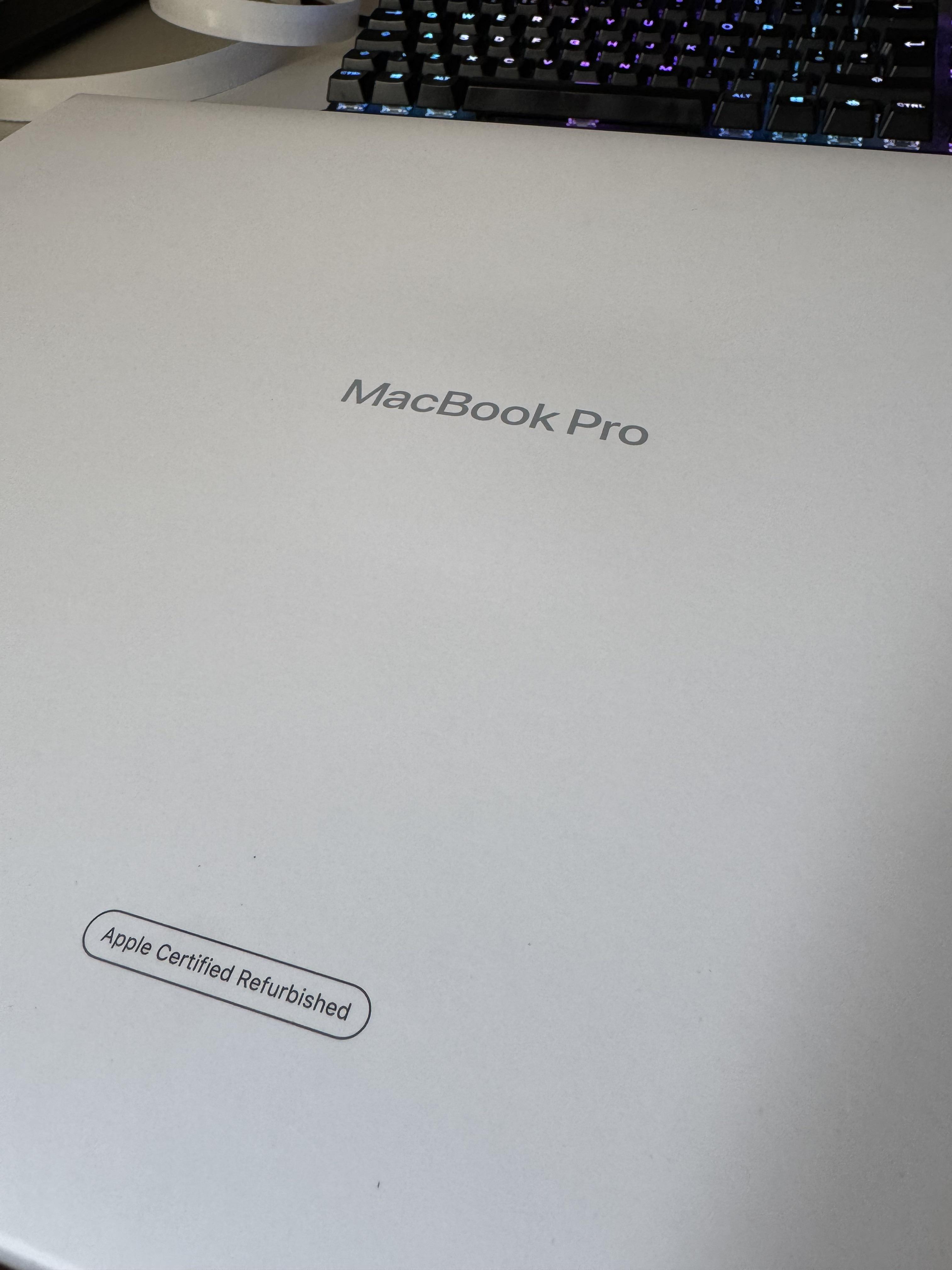
Apple's Certified Refurbished store offers like-new MacBook Neos with full warranty at ~15% off. Also check reputable resale platforms for recent graduates selling their devices.
Pros and Cons of MacBook Neo for Students
An honest look at the advantages and limitations to help you make an informed decision.
Advantages for Students
-
Exceptional Battery Life
Lasts a full academic day, reducing charger dependency.
-
Education Pricing
Significant discount makes it the most affordable new Mac.
-
Seamless Ecosystem
Integrates perfectly with iPhone, iPad, iCloud for a unified workflow.
Limitations to Consider
-
Limited Ports
Only two USB-C ports; may require a dongle for peripherals.
-
Non-Upgradeable
RAM and storage are soldered; choose configuration carefully at purchase.
-
Base Storage May Be Tight
256GB fills up quickly with apps, media, and project files.
Real Student Experiences with MacBook Neo
Hear from students across different majors about how the MacBook Neo performs in real academic scenarios.
University / College Use Cases
"As a Political Science major, my Neo handles dozens of browser tabs, Word docs, and Zoom lectures simultaneously. The battery easily gets me from 8am to 6pm on campus."
– Sarah, Junior at UC Berkeley
Programming and Project Work
"For my CS projects (Python, web dev, light ML), the 16GB RAM model is perfect. It runs VS Code, Docker containers, and simulators without a hitch. The Unix-based macOS is a huge plus for development."
– Alex, Computer Science, MIT
Creative and Design Tasks
"I use Figma, Adobe Illustrator, and Premiere Rush for my design projects. The display is gorgeous, and performance is smooth for 1080p editing. I do wish for more ports, but a dongle solved it."
– Maya, Graphic Design, RISD
Final MacBook Neo Recommendation for Students
The MacBook Neo with 16GB RAM and 512GB SSD is our top pick for most students.
It offers the best balance of future-proof performance for multi-year use and sufficient storage for projects, all while staying within a reasonable student budget after education discounts.
Which configuration is best for students?
Casual users: Base model (8/256) is sufficient. Most students (CS, Design, Engineering): 16/512 is the sweet spot. Heavy media/users: Consider 24/1TB or external storage.
Where to buy MacBook Neo most affordably?
1. Apple Education Store (direct discount + promo). 2. Refurbished from Apple (best value). 3. Amazon/Best Buy during back-to-school or Black Friday sales.
MacBook Neo for Students: Frequently Asked Questions
Quick answers to the most common questions students have about the MacBook Neo.
Does MacBook Neo have student discounts?
Yes. Apple offers a verified education discount, typically around $100 off the retail price, through the Apple Education Store. Additional promotions like free AirPods often occur during back-to-school season.
Is MacBook Neo suitable for programming and computer science?
Absolutely. With the M3 Neo chip and 16GB+ RAM configuration, it handles IDEs (VS Code, IntelliJ), virtual machines, containers, and compilers efficiently. macOS is Unix-based, which is preferred by many developers.
Which MacBook Neo configuration is best for students?
For longevity and performance across diverse academic tasks, we recommend the 16GB Unified Memory with 512GB SSD configuration. It provides enough power for multitasking, programming, and medium creative workloads.
How long does MacBook Neo battery last for study sessions?
Apple rates it for up to 18 hours of typical use. In real-world student scenarios (note-taking, web research, document writing, video streaming), expect 12-15 hours, which comfortably covers a full day on campus.



_img1.webp)