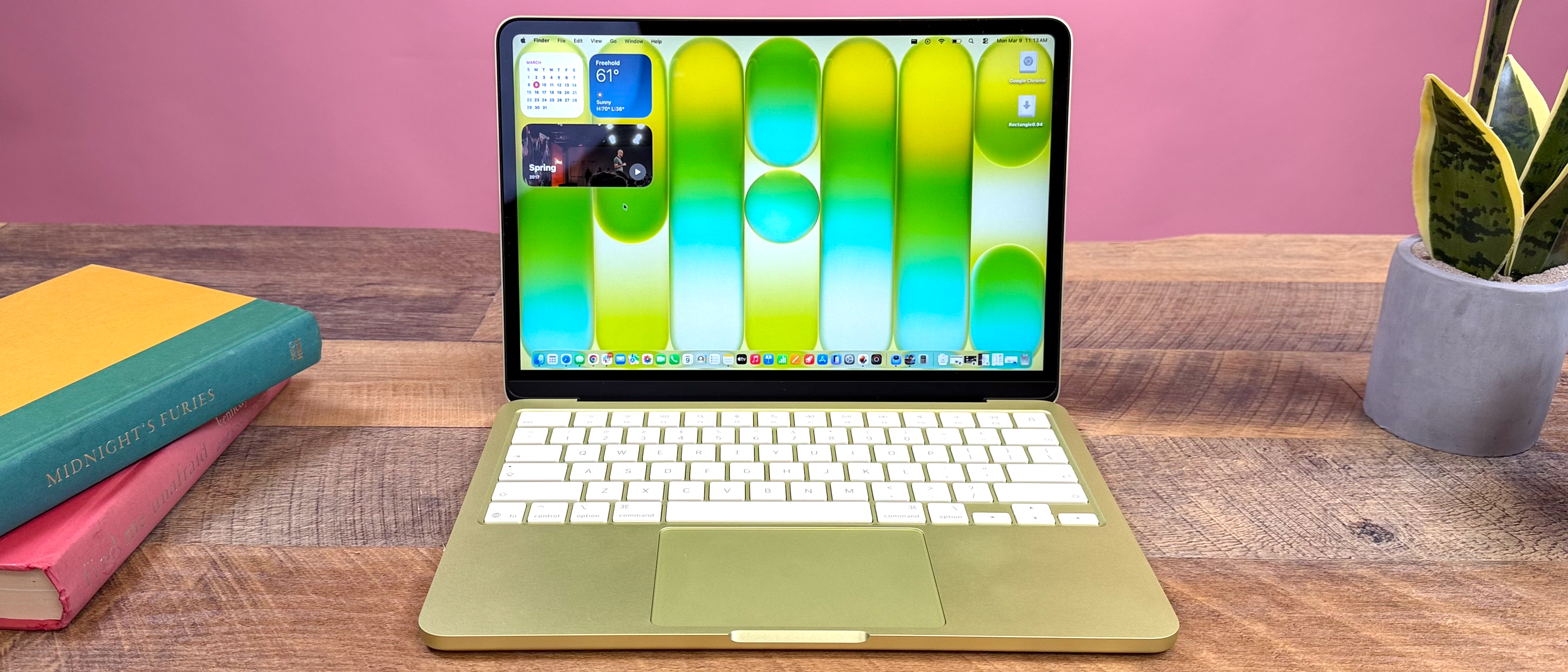
MacBook Neo Specs Explained:
RAM, Display, Processor
A deep dive into the Unified Memory, M4 chips, Liquid Retina XDR displays, and everything that defines the new generation.
Quick Overview: MacBook Neo Specifications at a Glance
Comparing the entire 2025 lineup from the ultra-portable Air to the beastly Max configurations.
| Specification | Air 13" M4 | Air 15" M4 | Pro 14" M4 | Pro 14" M4 Pro | Pro 16" M4 Max |
|---|---|---|---|---|---|
| Processor | M4 (8-core) | M4 (10-core) | M4 (10-core) | M4 Pro (12-core) | M4 Max (16-core) |
| Unified Memory | 8/16/24GB | 8/16/24GB | 16/24/32GB | 18/36/48GB | 36-128GB |
| Display | 13.6" LCD | 15.3" LCD | 14.2" XDR | 14.2" XDR | 16.2" XDR |
| Brightness | 500 nits | 500 nits | 1600 nits | 1600 nits | 1600 nits |
| Battery Life | 18 hours | 18 hours | 17 hours | 17 hours | 22 hours |
Key Specs That Matter
- Unified Memory Capacity
- M4 Chip Tier (Base/Pro/Max)
- Display Type (XDR vs LCD)
What's New in 2025
- 2nd Gen 3nm Process
- Neural Engine: 38 TOPS
- AV1 Encoding Support
Performance Jump
- CPU: +28% vs M3
- GPU: +52% vs M3
- Memory Bandwidth: +20%
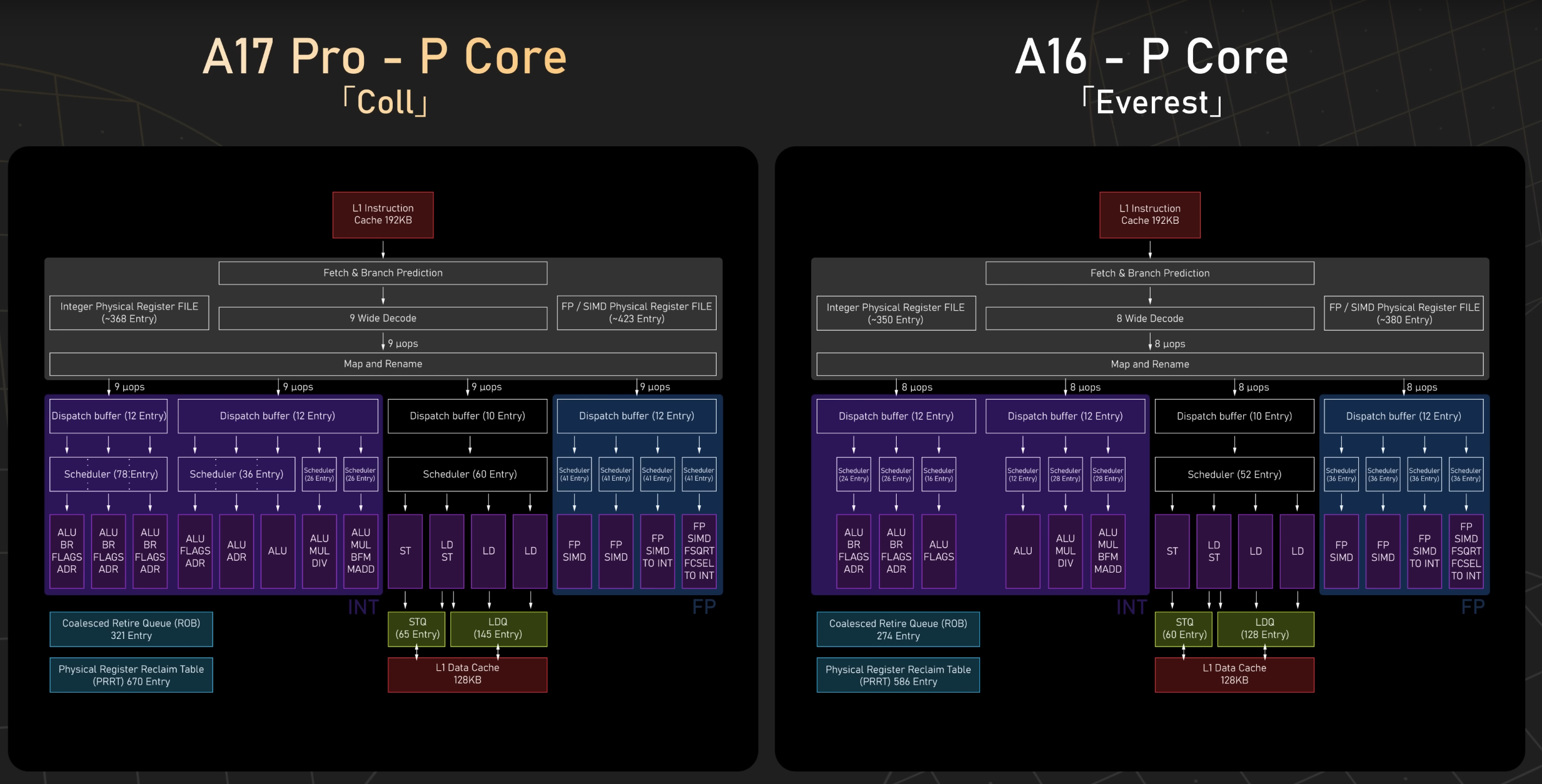
MacBook Neo Processor (CPU) Guide
Understanding the M4 series architecture and real-world performance.
M4 Base
M4 Pro
M4 Max
M4 vs M3 vs M2: Performance Benchmarks
Geekbench 6 Multi-core Score
Why Performance vs Efficiency Cores?
Apple uses a hybrid architecture. Performance cores handle heavy lifting like rendering. Efficiency cores handle background tasks to save battery.
- Web Browsing uses mostly Efficiency cores
- Video Exporting engages all Performance cores
Neural Engine (NPU)
The dedicated AI processor. Crucial for 2025 workflows.
Optimized for on-device AI, Live Captions, and background blur.
Video: Real World CPU Tests
Unified Memory (RAM) Explained
Why 8GB in 2025 is controversial, and why Unified Memory changes the game compared to traditional PCs.
What is Unified Memory?
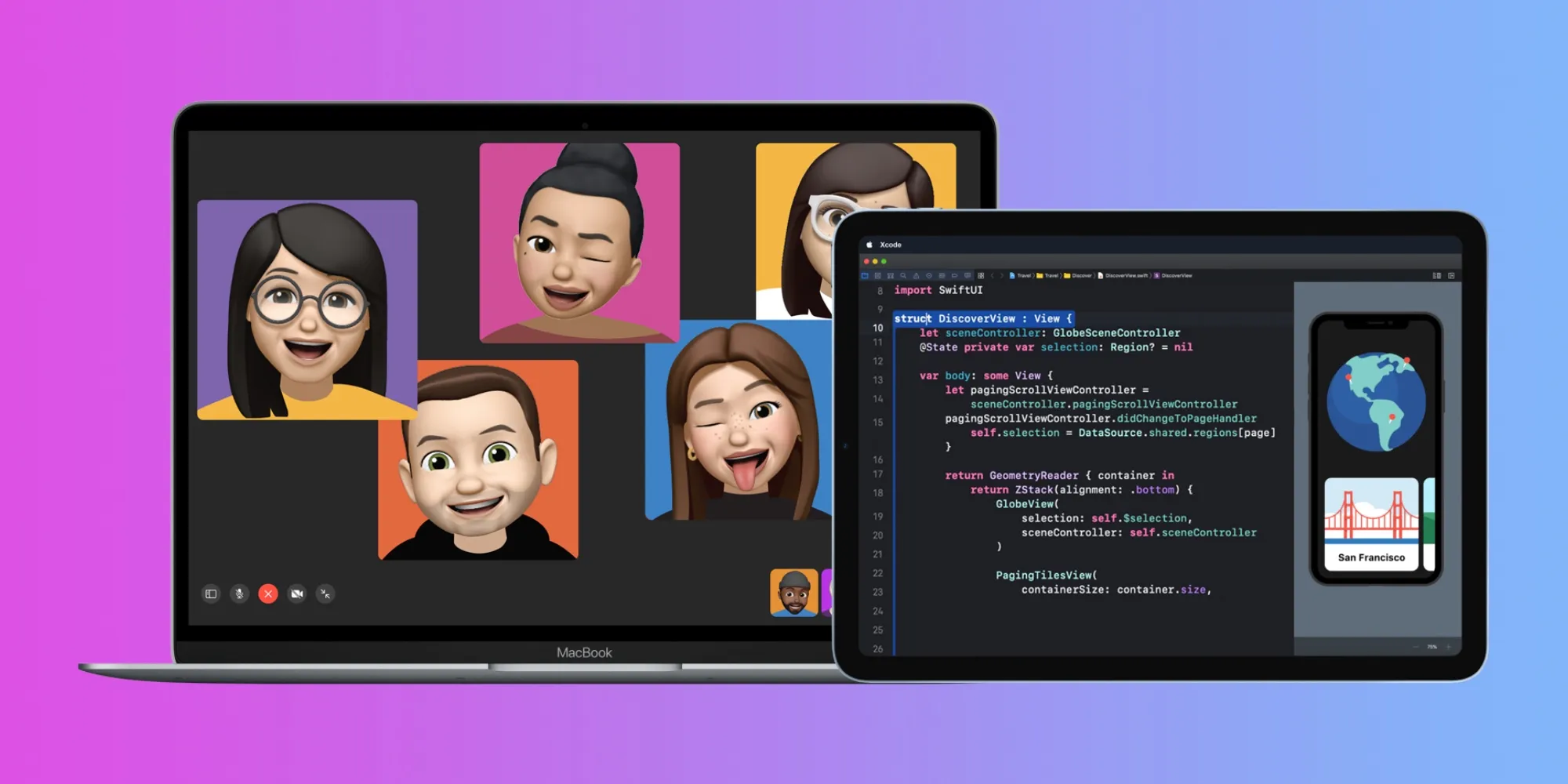
Unlike traditional laptops where CPU and GPU have separate RAM pools (requiring data copying), Macs use a single high-bandwidth pool accessible by both the CPU and GPU instantly.
RAM Configuration Guide
8GB RAM: Is it enough? ▼
Generally Not Recommended for new purchases in 2025.
Only suitable for basic web browsing and documents. Multitasking with more than 10 Chrome tabs will cause swapping to SSD, slowing down the system.
16GB RAM: The Sweet Spot RECOMMENDED
Ideal for 80% of users.
Handles 30-50 browser tabs, light photo editing, and general productivity smoothly. Future-proof for the next 3-4 years.
24GB - 32GB RAM ▼
Targeted at Pro users. Required for 4K video editing, 3D modeling, virtual machines (Parallels), and large Photoshop files.
36GB - 48GB+ RAM ▼
Only necessary for Specialized Workflows like 8K editing, massive CAD assemblies, or training local AI models.
Memory Bandwidth Speed
Higher bandwidth allows faster moving of assets (like 8K video frames) between the processor and memory.
Display Specs: Liquid Retina vs XDR
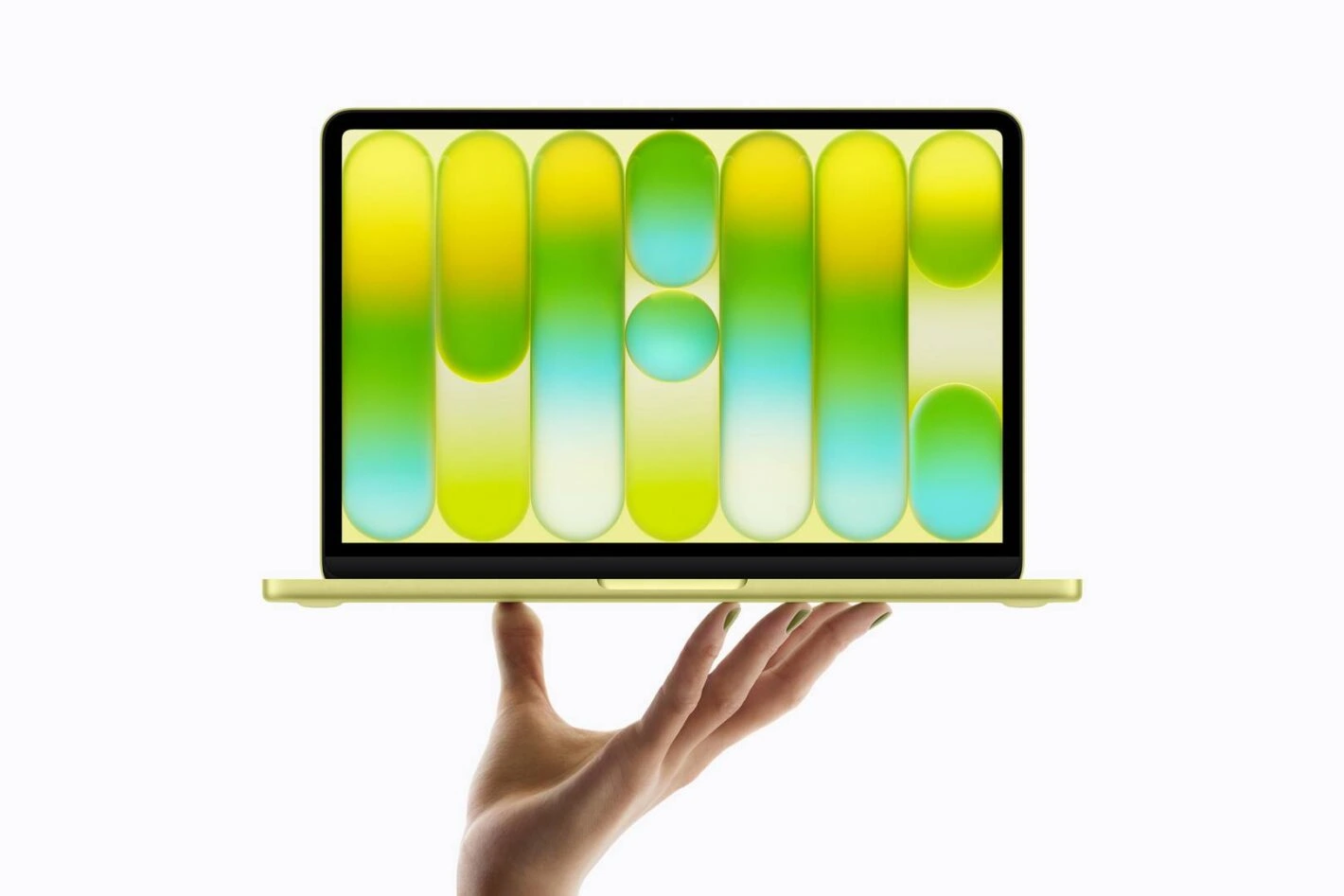
Understanding the difference between the Air's beautiful LCD and the Pro's professional-grade Mini-LED.

Liquid Retina (Air)
- ✅ 500 nits brightness
- ✅ P3 Wide Color
- ✅ 60Hz Refresh Rate
- ❌ No ProMotion
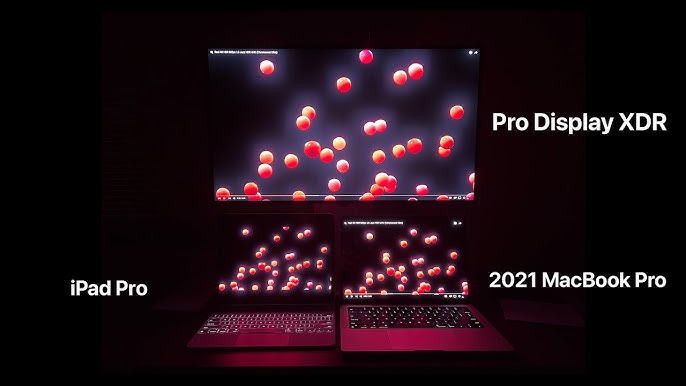
Liquid Retina XDR (Pro)
- ✅ 1600 nits peak brightness (HDR)
- ✅ 120Hz ProMotion
- ✅ Mini-LED (1,000,000:1 Contrast)
- ✅ Best for Creative Pros
ProMotion (120Hz)
Adapts refresh rate to the content. Scrolling looks buttery smooth, and Apple Pencil latency feels instant.
Color Accuracy
Factory calibrated. Delta E < 1.0 means the colors you see are the colors you print.
Eye Comfort
Features like True Tone (adjusts color temp) and Night Shift (reduces blue light) help during long sessions.
GPU & Graphics Performance
Integrated vs Dedicated (Simplified)
MacBooks use Integrated Graphics within the M-series chip. Thanks to Unified Memory, the "VRAM" is dynamic.
Storage Options
SSD speeds vary by capacity. Higher tiers often use NAND chips with higher parallelism.
256GB - 512GB
Single NAND chip. Slower read/write speeds compared to larger tiers.
1TB - 2TB
Multiple NAND chips. Maximum bandwidth. Best for large file transfers.
4TB - 8TB
Maximum capacity for media libraries.
Final Verdict & Buying Recommendations
Budget Friendly
For Students & Basic Office
Model: MacBook Air 13" M4
RAM: 16GB (Avoid 8GB)
Storage: 256GB or 512GB
Best Value
For Creators & Developers
Model: MacBook Pro 14" M4 Pro
RAM: 24GB or 36GB
Display: XDR (120Hz)
Premium Pick
For Pros & Power Users
Model: MacBook Pro 16" M4 Max
RAM: 48GB+
Storage: 1TB+
Common Myths & Misconceptions
More Cores = Always Faster
Software must be optimized to use extra cores. For single-threaded apps, clock speed matters more.
ProMotion Only Benefits Gamers
The 120Hz refresh rate makes scrolling through web pages and drawing feel significantly smoother for everyone.
Still undecided?
Check your specific software requirements before buying. Remember, RAM cannot be upgraded later.


_img1.webp)