March 2026 Release

Why Is the MacBook Neo So Cheap? 5 Reasons Explained

The MacBook Neo starts at just $599 ($499 for education) – significantly lower than any other Apple laptop. Discover how Apple strategically compromises to target the education market and compete with Chromebooks.

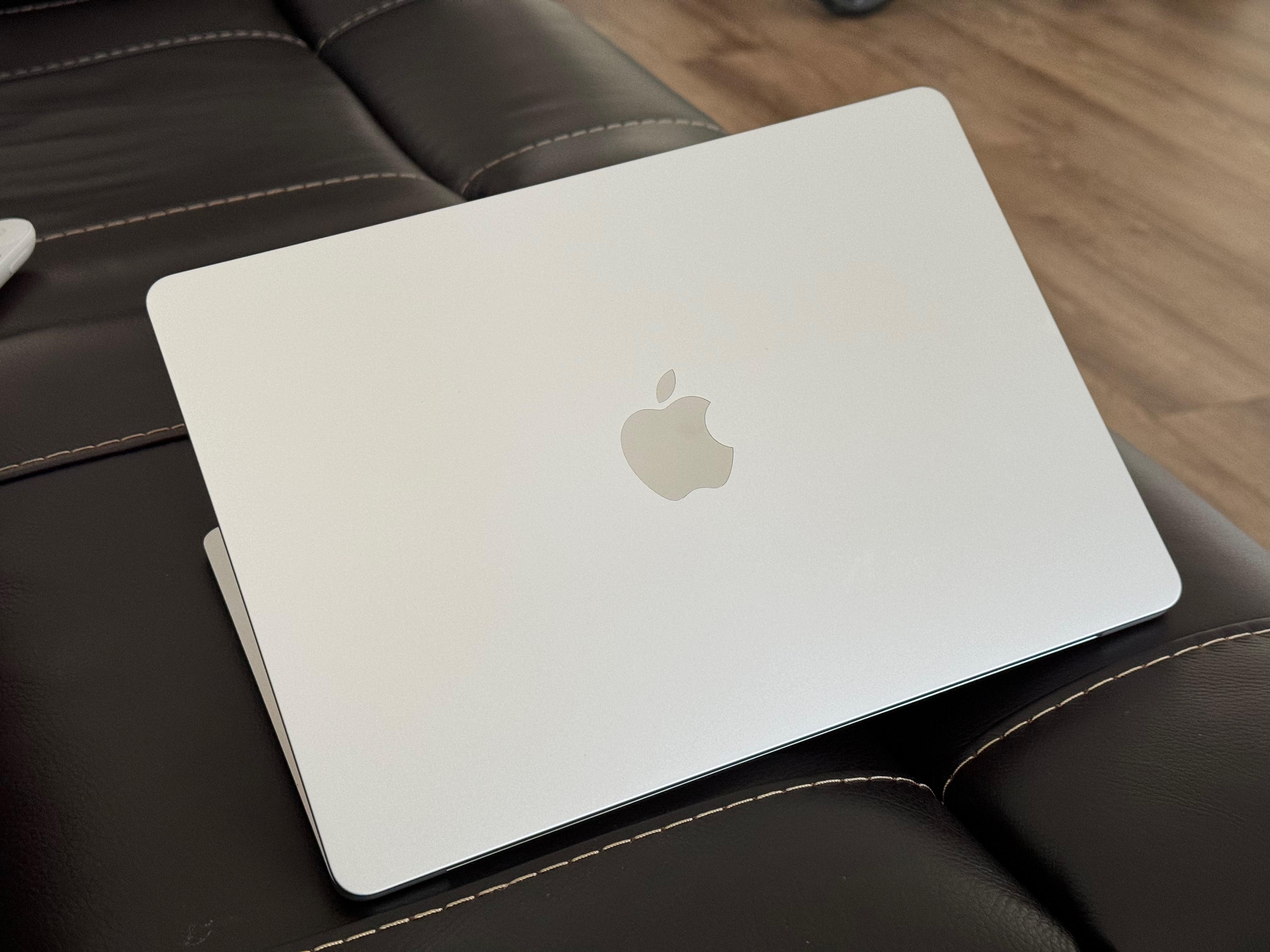
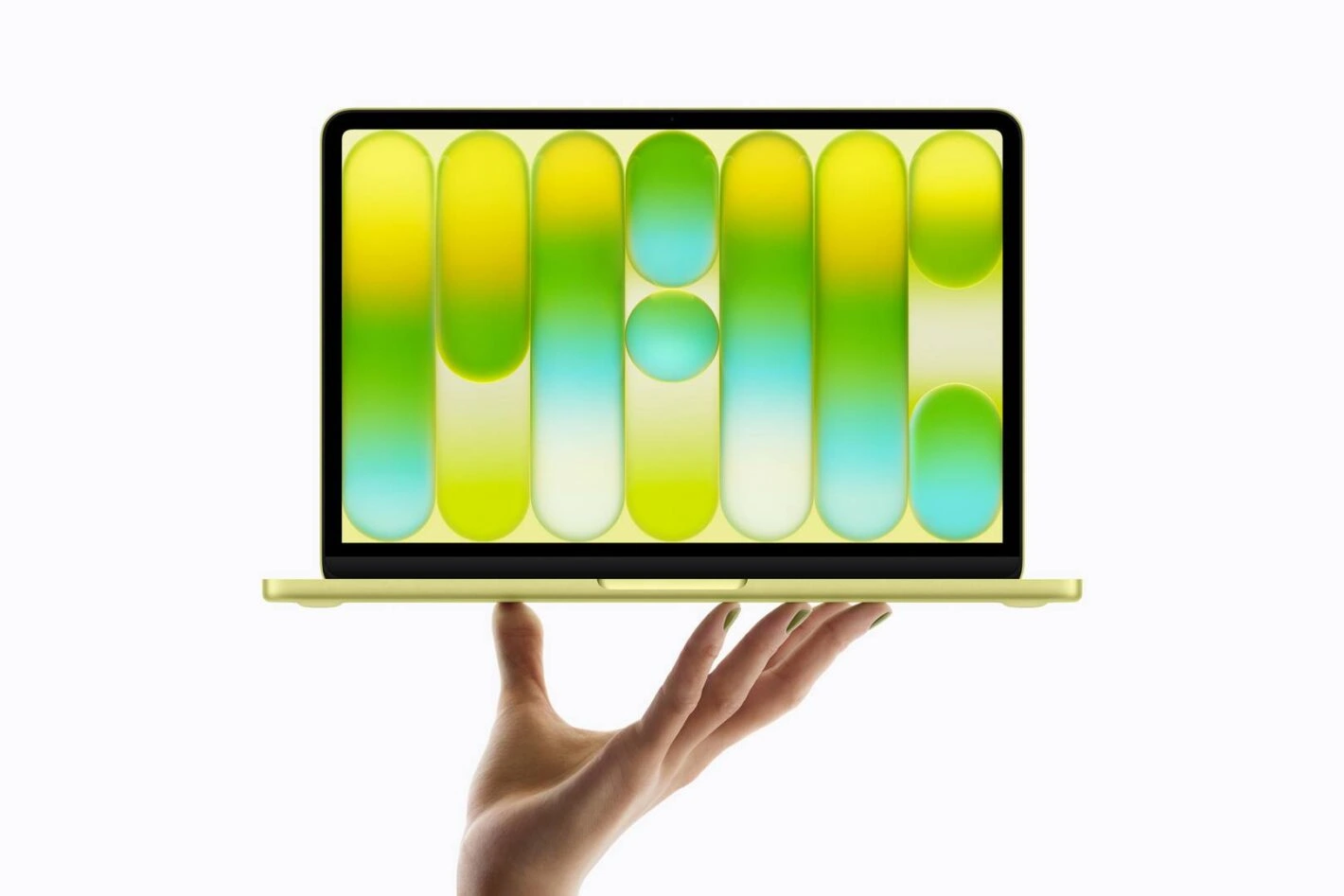
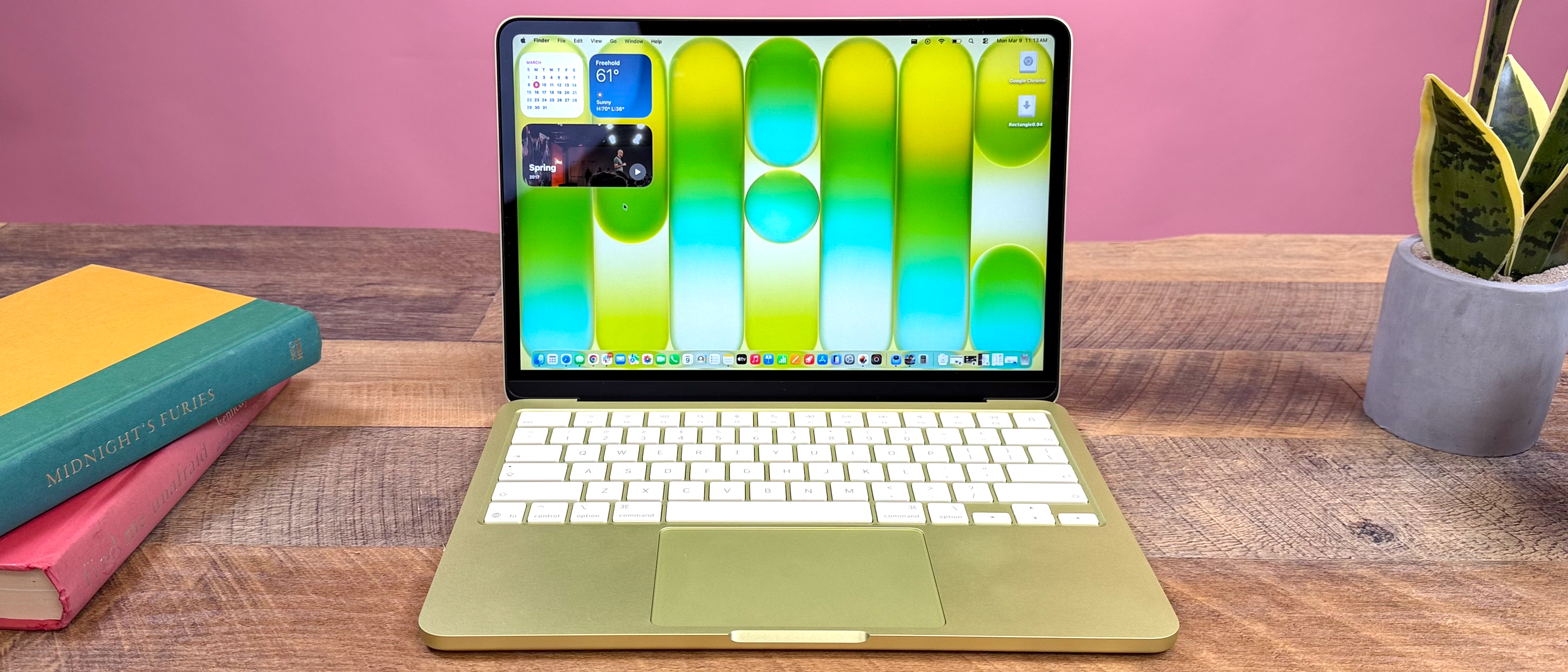
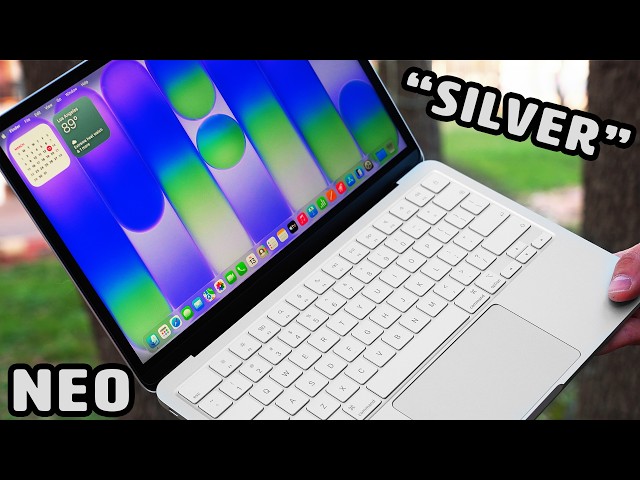
MacBook Neo laptop showing its slim design and silver finish

The Budget MacBook Revolution

Released in March 2026, the MacBook Neo represents Apple's aggressive push into the budget laptop segment. By making calculated hardware compromises, Apple positions this device as a "loss leader" to attract new users into their ecosystem, particularly targeting the K-12 education market.

$599
Starting Price
$499
Education Price

The 5 Key Reasons Behind MacBook Neo's Low Price

Apple achieves this unprecedented price point through strategic component selection and feature adjustments

1

iPhone Silicon: A18 Pro Chip Instead of M-Series

The MacBook Neo bypasses expensive M-series processors in favor of the A18 Pro chip – the same processor powering the iPhone 16 Pro. This strategic move leverages Apple's massive smartphone-scale production to dramatically reduce costs.

Key Implications:

  • Cost Efficiency: High-volume smartphone chip production lowers per-unit costs significantly
  • Performance Trade-off: While capable for AI tasks and daily productivity, it doesn't match M-series performance
  • Thermal Design: Reduced cooling requirements compared to more powerful Mac processors
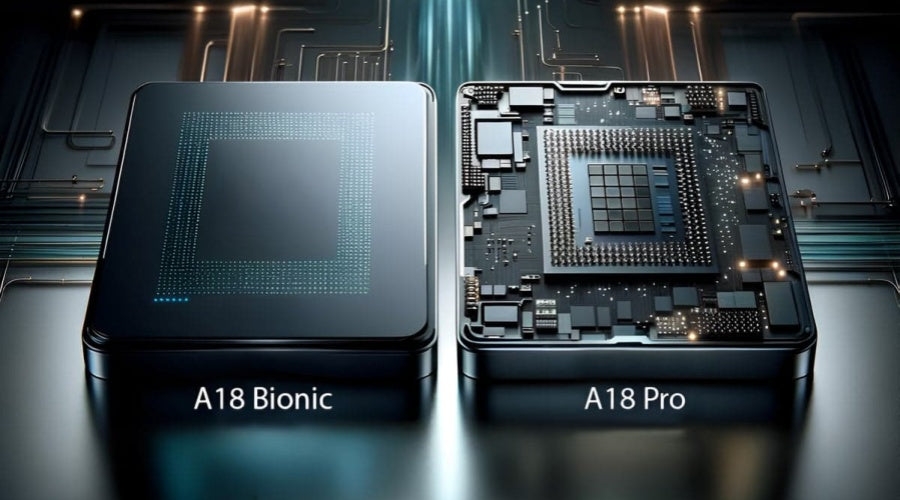
Close-up of A18 Pro chip with circuit board background
2

Reduced Memory and Storage Configuration

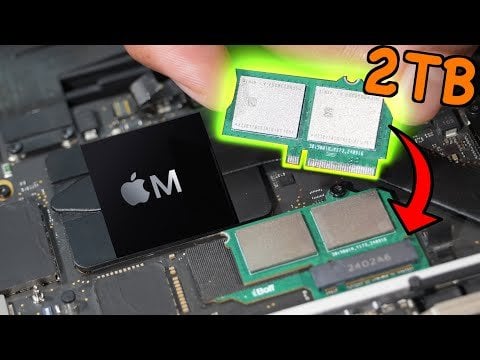
Apple standardized the base configuration to minimize production complexity and cost. The fixed specifications ensure the $599 starting price remains achievable.

8 GB Unified Memory

Fixed, non-upgradeable RAM that's sufficient for basic tasks but limits multitasking and professional applications compared to other MacBooks.

256 GB SSD Storage

Base storage that feels constrained for modern applications, media libraries, and creative work – with no upgrade options available.

MacBook Neo internals showing soldered RAM and storage components
3

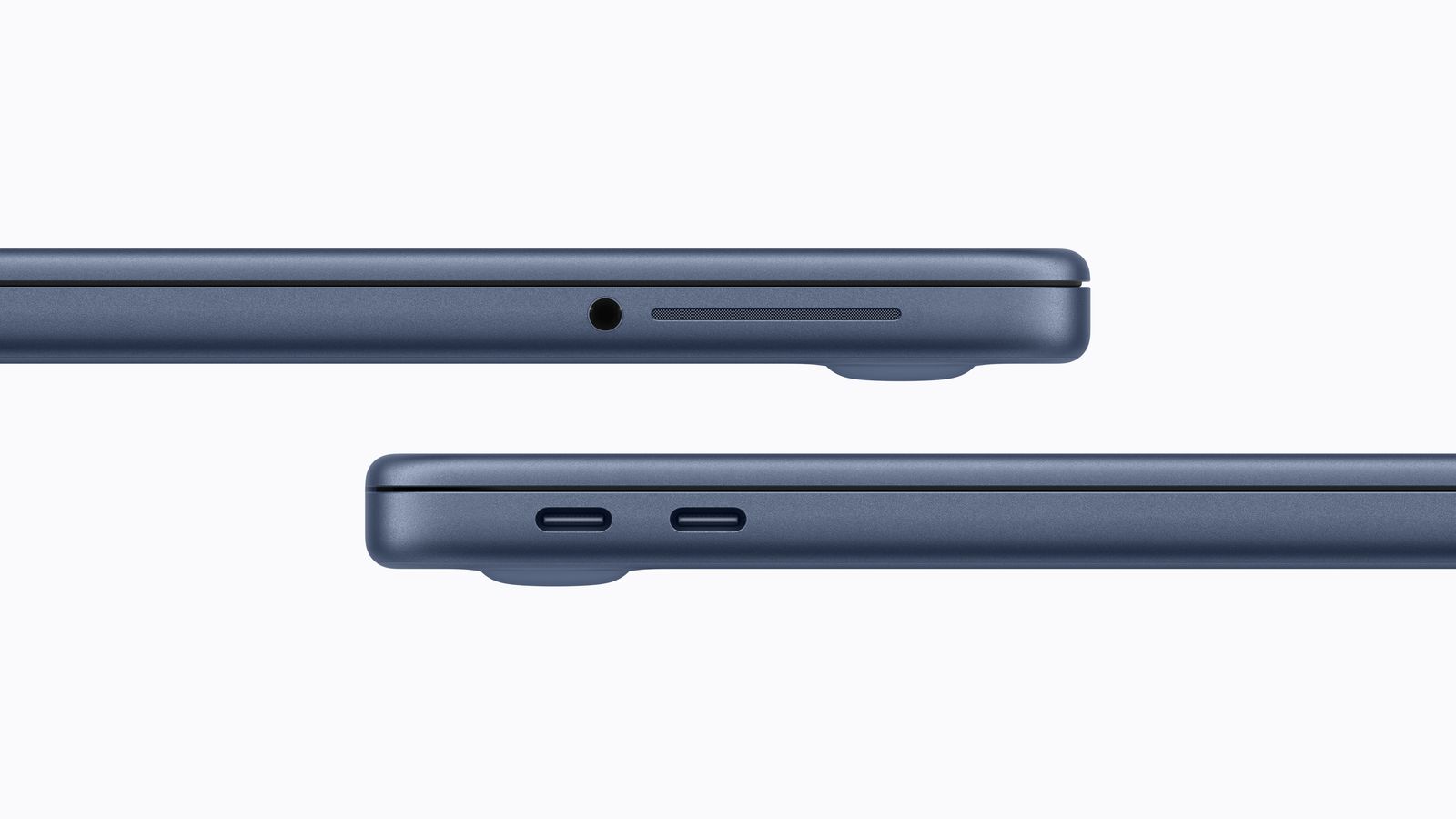
Fewer and Cheaper Ports Selection

Premium connectivity options are sacrificed to reduce manufacturing costs, making the MacBook Neo less suitable for professional workflows.

No MagSafe Charging

Uses standard USB-C charging instead of Apple's magnetic MagSafe connector

Mixed USB-C Port Speeds

One USB 3.0 port and one slower USB 2.0 port create an inconsistent experience

No Thunderbolt Support

Eliminates high-speed external display, storage, and docking capabilities

Side view of MacBook Neo showing limited port selection
4

Non-Backlit Keyboard & Mechanical Trackpad

Premium physical features standard on other MacBooks are replaced with more affordable alternatives, affecting the user experience in noticeable ways.

No Keyboard Backlight

A surprising omission for a modern laptop, making typing in low-light conditions challenging

Mechanical Trackpad

Traditional clicking mechanism instead of Apple's haptic Force Touch trackpad

MacBook Neo keyboard without backlight in dim lighting
5

Cost-Reduced Display and Smaller Battery

While maintaining a 13-inch Liquid Retina display, Apple makes significant compromises in display technology and battery capacity to hit the target price point.

Display Compromises:

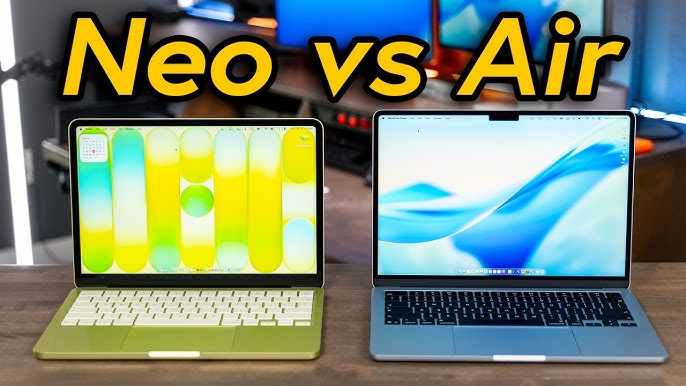
sRGB Color Gamut
Instead of wider P3 gamut, resulting in less vivid colors
No True Tone
Missing automatic white balance adjustment

Battery Comparison:

MacBook Neo 36.5 Wh
MacBook Air 53.8 Wh

32% smaller battery reduces material costs and contributes to the lower price

Comparison of MacBook Neo display versus MacBook Air display color reproduction

Strategic Market Positioning: The "Loss Leader" Approach

The MacBook Neo represents Apple's calculated "loss leader" strategy – utilizing mature components and "good enough" technology to create an aggressive entry point into the low-end laptop market. By targeting the education sector and Chromebook competition, Apple aims to onboard new users into their ecosystem, potentially converting them to higher-end products in the future.

Target Market

K-12 Education & First-time Apple Users

Competition

Chromebooks & Budget Windows Laptops

Long-term Goal

Ecosystem Expansion & Future Upselling

Frequently Asked Questions

Is the MacBook Neo suitable for professional work?

While capable for basic productivity tasks, the MacBook Neo's 8GB RAM, A18 Pro chip, and limited storage make it less suitable for professional creative work, programming, or intensive multitasking compared to MacBook Air or Pro models.

Can the RAM or storage be upgraded later?

No. Like many modern Apple devices, both the memory and storage are soldered to the logic board and cannot be upgraded after purchase. Users must choose their preferred configuration at the time of buying.

How does battery life compare to MacBook Air?

With a 32% smaller battery (36.5 Wh vs 53.8 Wh), the MacBook Neo typically offers 8-10 hours of light usage compared to the MacBook Air's 12-15 hours. The A18 Pro's efficiency helps mitigate some of the capacity reduction.

Recent Guides & Updates